Prerequisites, setup and acceptance checks. Start on a test database.
Updated 30 September 2026 · Odoo 16–20
1. Prerequisites
Use Odoo 16–20 on Odoo.sh or a self-hosted server. Standard Odoo Online cannot install this Python add-on. Back up your database and filestore and prepare a staging copy. Check the dependencies listed in the module archive for your exact version.
2. Install the module
Download the matching version of Packaging EPR & PPWR from Odoo Apps. On a self-hosted staging server, place packaging_epr in the configured addons path, install its declared dependencies, restart Odoo and update the Apps list. On Odoo.sh, add it to a staging branch. Install the module before applying the product-specific steps below.
3. Set up each reporting country
Open Inventory → Packaging (EPR) → Configuration. Review materials and country schemes; enter registration numbers and current organisation rates.
4. Complete product packaging
Fill component material, level, stream, weight and sales units per packaging. Review missing data before calculating a declaration.
5. Validate and file
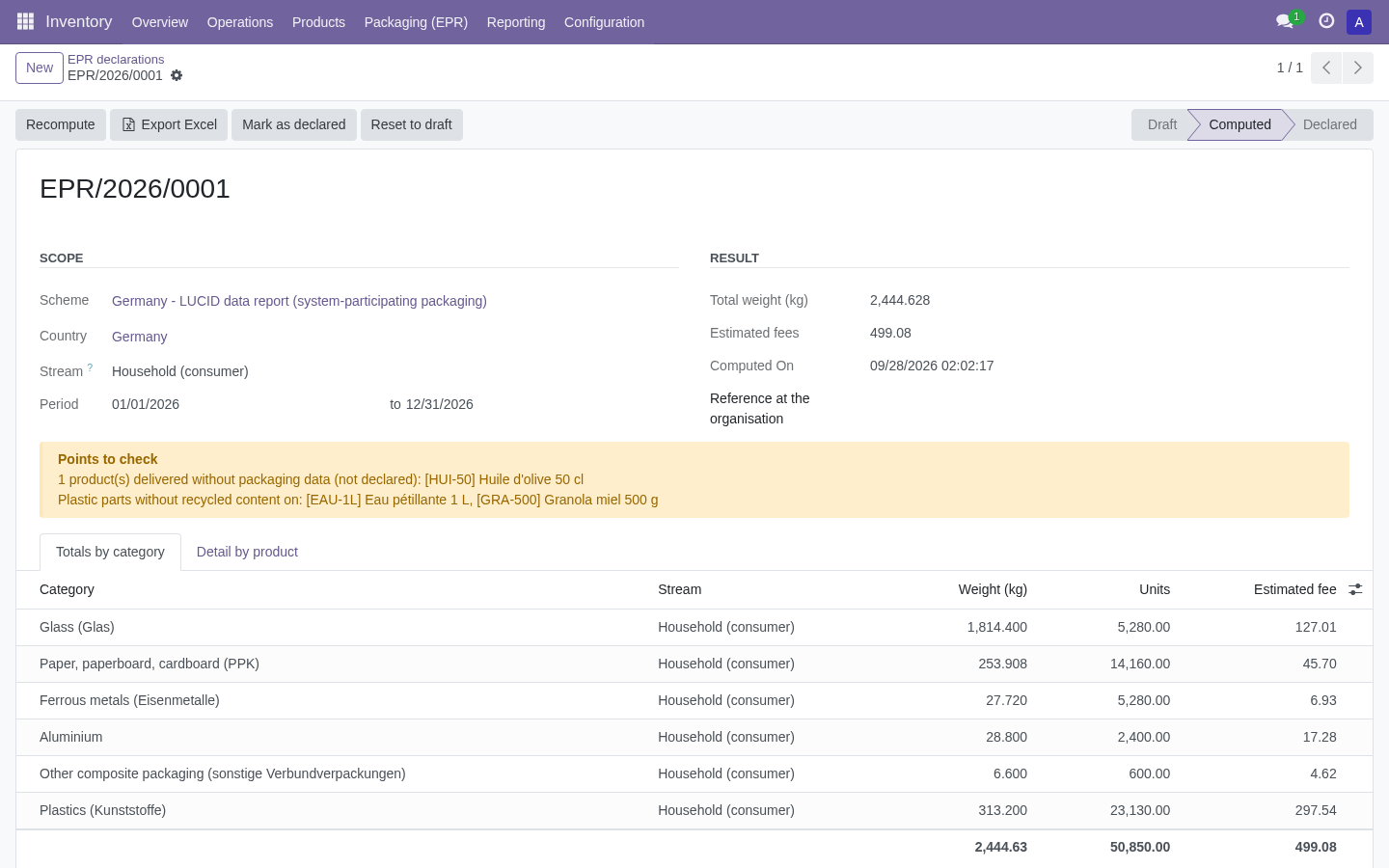
Compute a test period, compare deliveries and returns with the detail, then verify weights and estimated fees. Export Excel, file through your organisation and record its reference before marking the declaration as declared.