

1. Prerequisites
Dolibarr 18 to 24 with PHP 7.4 to 8.3, MySQL/MariaDB or PostgreSQL. The Orders, Shipments and Invoices modules enabled, and Stock if you want stock badges and warehouse selection. Try it on a copy of your database first.
Prerequisites, installation in custom/, configuration, first test and update. Start on a copy of your database.
Dolibarr 18 to 24 with PHP 7.4 to 8.3, MySQL/MariaDB or PostgreSQL. The Orders, Shipments and Invoices modules enabled, and Stock if you want stock badges and warehouse selection. Try it on a copy of your database first.
Download the archive from Dolistore and unzip it into custom/logicockpit, or deploy it from Home → Setup → Modules/Applications → Deploy external module. Enable LogiCockpit. No table is created and no core file is touched.
In Users & Groups → Permissions, grant the three cockpit rights as needed: view the cockpit, create delivery notes and handle backorders, batch invoicing. They combine with the native rights on shipments and invoices.
In the module setup: separator line per delivery note, automatic validation of invoices, closing of billed delivery notes, automatic classification of fully shipped orders, automatic validation of backorder sub-orders, default warehouse, maximum rows and refresh interval. The defaults create draft invoices for review.
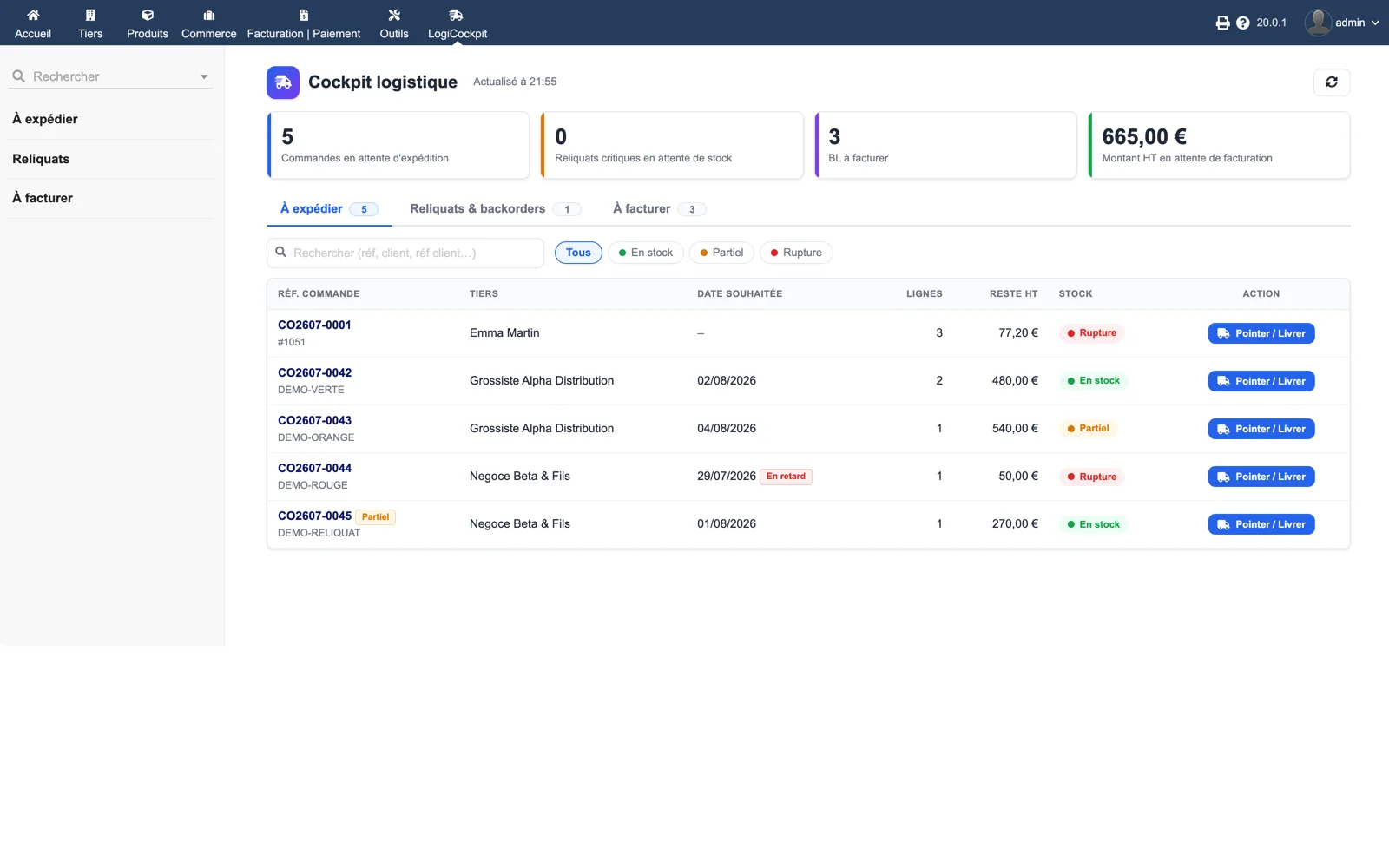
Open the LogiCockpit menu, pick an order with a green badge and click “Pick / Ship”. Check the pre-filled quantities and the warehouse, then “Generate and validate the delivery note”. The delivery note must appear validated on the order and the stock must have moved.
In “To invoice”, tick one customer with several delivery notes and click “Generate batch invoices”. A single draft invoice must be created for that customer, with one separator line per note if enabled, and the notes must show as billed.
Replace the custom/logicockpit directory with the new version, then disable and re-enable the module. Version 1.0.1 replaces the crabe fallback PDF template, removed in Dolibarr 24, with sponge for batch invoices.