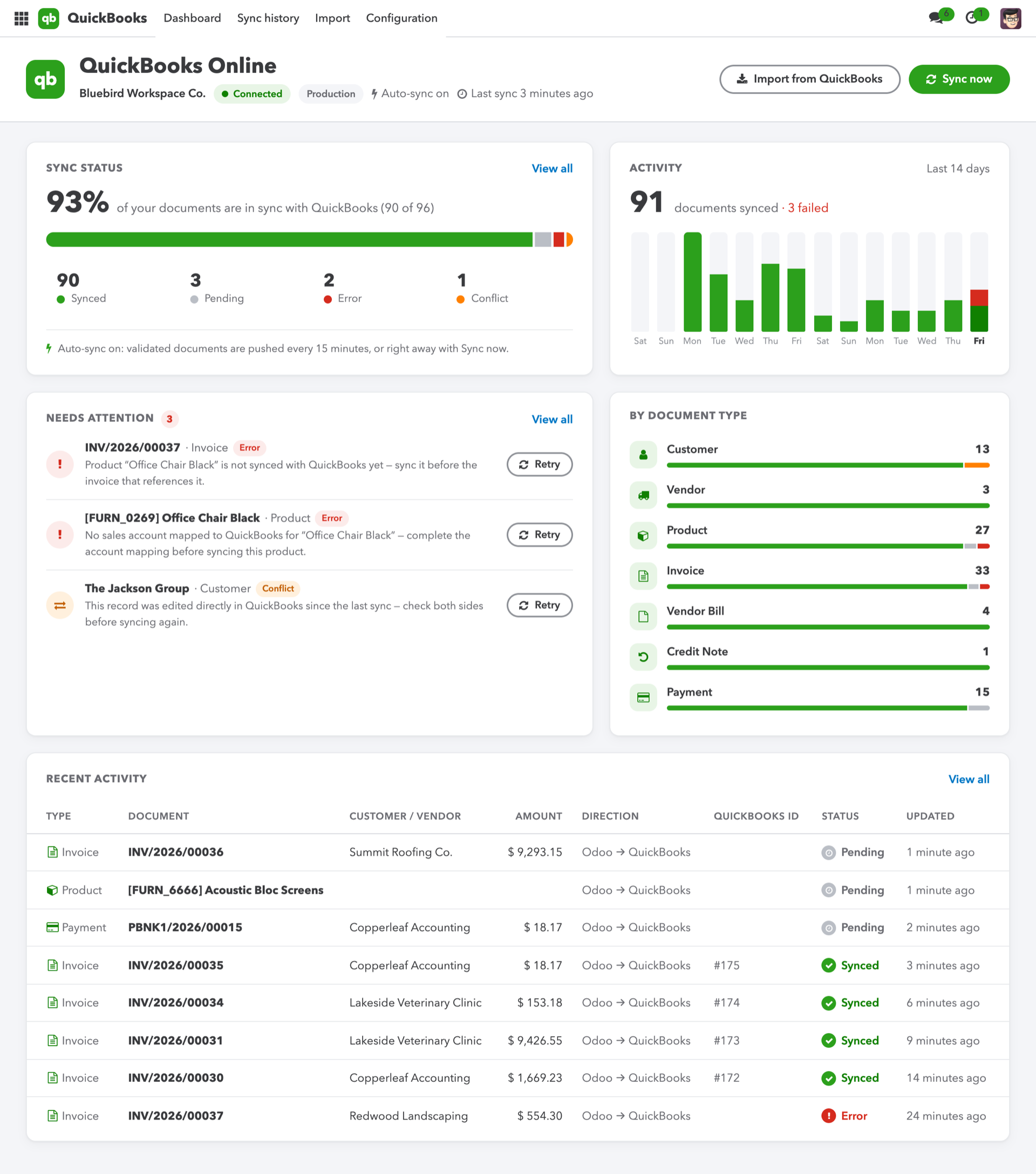
Prerequisites, setup and acceptance checks. Start on a test database.
Updated 30 September 2026 · Odoo 16–19
1. Prerequisites
Use Odoo 16–19 on Odoo.sh or a self-hosted server. Standard Odoo Online cannot install this Python add-on. Back up your database and filestore and prepare a staging copy. Check the dependencies listed in the module archive for your exact version.
2. Install the module
Download the matching version of QuickBooks Connect from Odoo Apps. On a self-hosted staging server, place qbo_connect in the configured addons path, install its declared dependencies, restart Odoo and update the Apps list. On Odoo.sh, add it to a staging branch. Install the module before applying the product-specific steps below.
3. Prepare Intuit access
Use a QuickBooks sandbox company and an Intuit developer app. Configure the redirect URI required by the Odoo connection wizard; keep client credentials private.
4. Connect and map
Complete OAuth, check the selected company and map accounts, taxes and currencies. Import a small set of customers, vendors and products.
5. Validate accounting flows
Send representative invoices, credit notes, vendor bills and customer payments. Compare currencies, taxes, totals and sync history. Test a conflict before enabling production synchronization.