

Accounting synchronization
Send invoices, credit notes, vendor bills and customer payments from Odoo to QuickBooks Online.
Connect Odoo to QuickBooks Online: send invoices, vendor bills and customer payments, import contacts and products, and review sync errors.
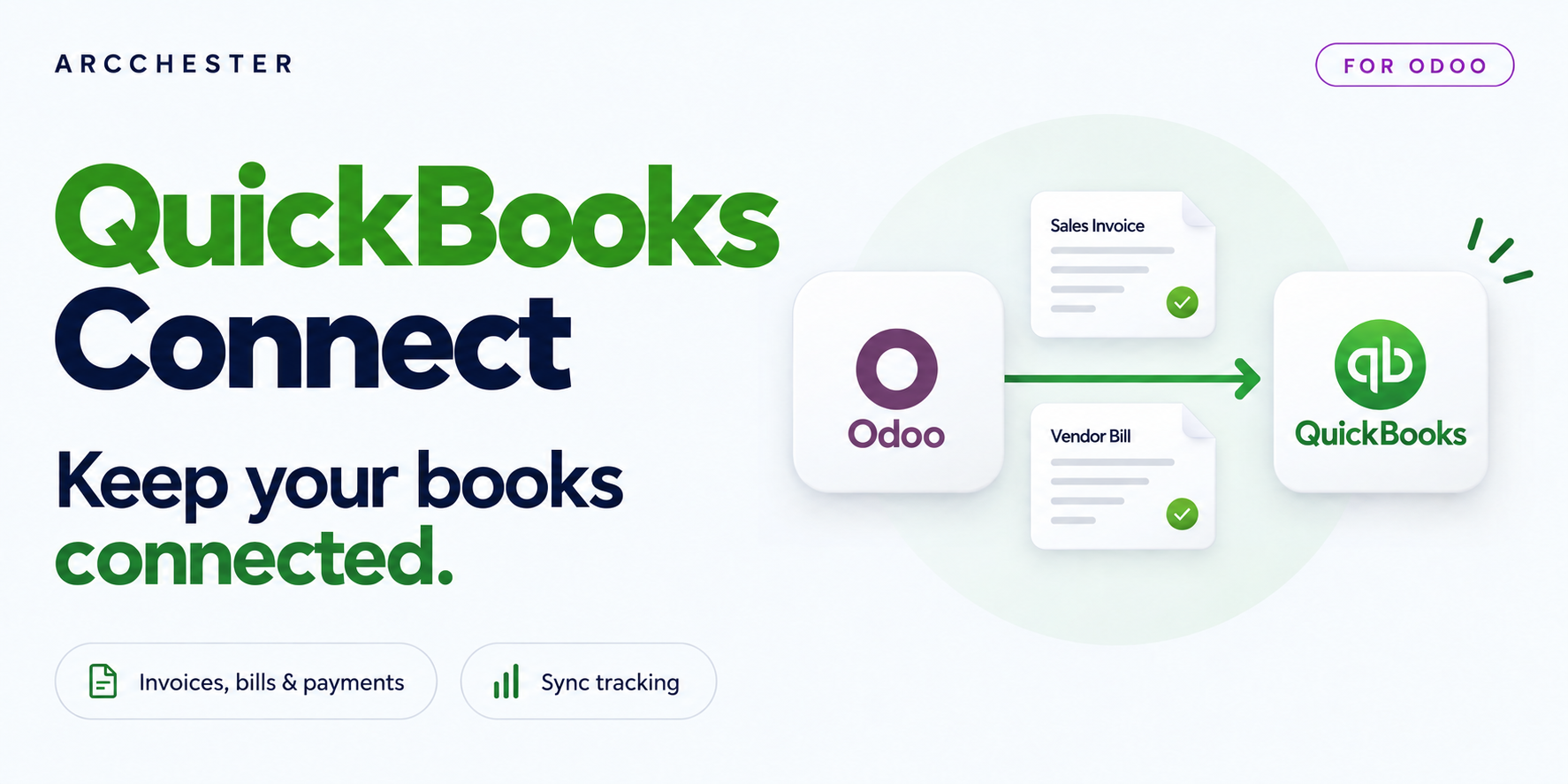
Send invoices, credit notes, vendor bills and customer payments from Odoo to QuickBooks Online.
Match accounts, taxes and currencies before syncing accounting data.
Bring customers, vendors and products from an existing QuickBooks company into Odoo.
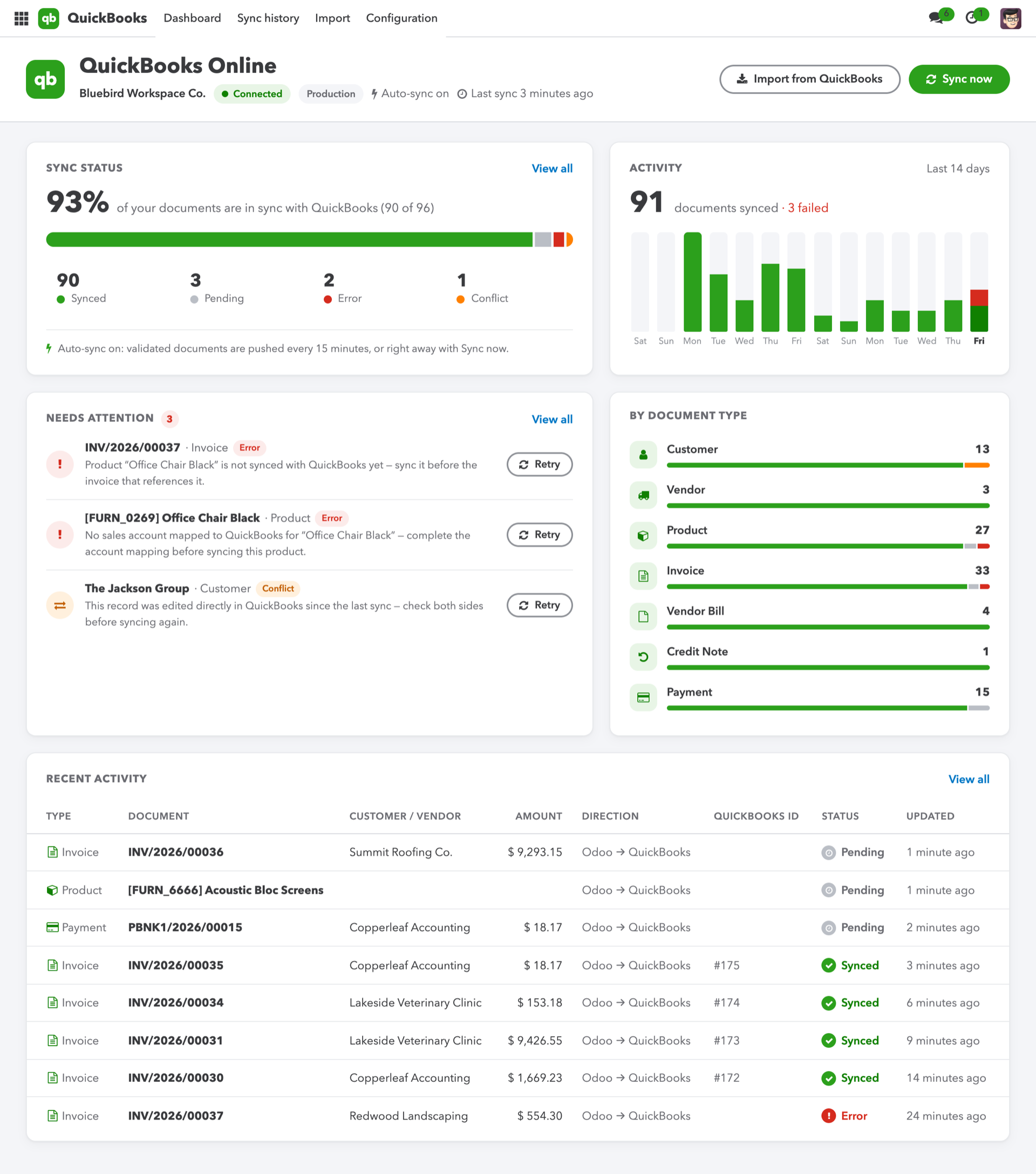
The dashboard gathers connection status and records needing attention.
Explore the illustrated workflow →| Workflow | Direction / trigger | Result |
|---|---|---|
| Contacts and products | Odoo ↔ QuickBooks | Export from Odoo; import through the assistant. |
| Invoices, bills and payments | Odoo → QuickBooks | Supported accounting documents; no incoming invoice import. |
| Conflicts | Sync token check | Review conflicting changes before retrying. |
No. The import assistant covers customers, vendors and products. Accounting documents follow the outgoing flows listed above.
No. This connector uses the QuickBooks Online API.
The module is a one-time purchase. Your QuickBooks Online subscription remains separate.
One-time module purchase · Six months of email support. Current price and conditions are on Odoo Apps. Hosting, migration and custom development are separate.