

Structured invoice import
Read supported Factur-X PDFs, CII or UBL XML and ZIP batches.
Import Factur-X PDF, CII XML, UBL and ZIP batches into Odoo vendor bill drafts. Match suppliers, retain source files and review totals before posting.
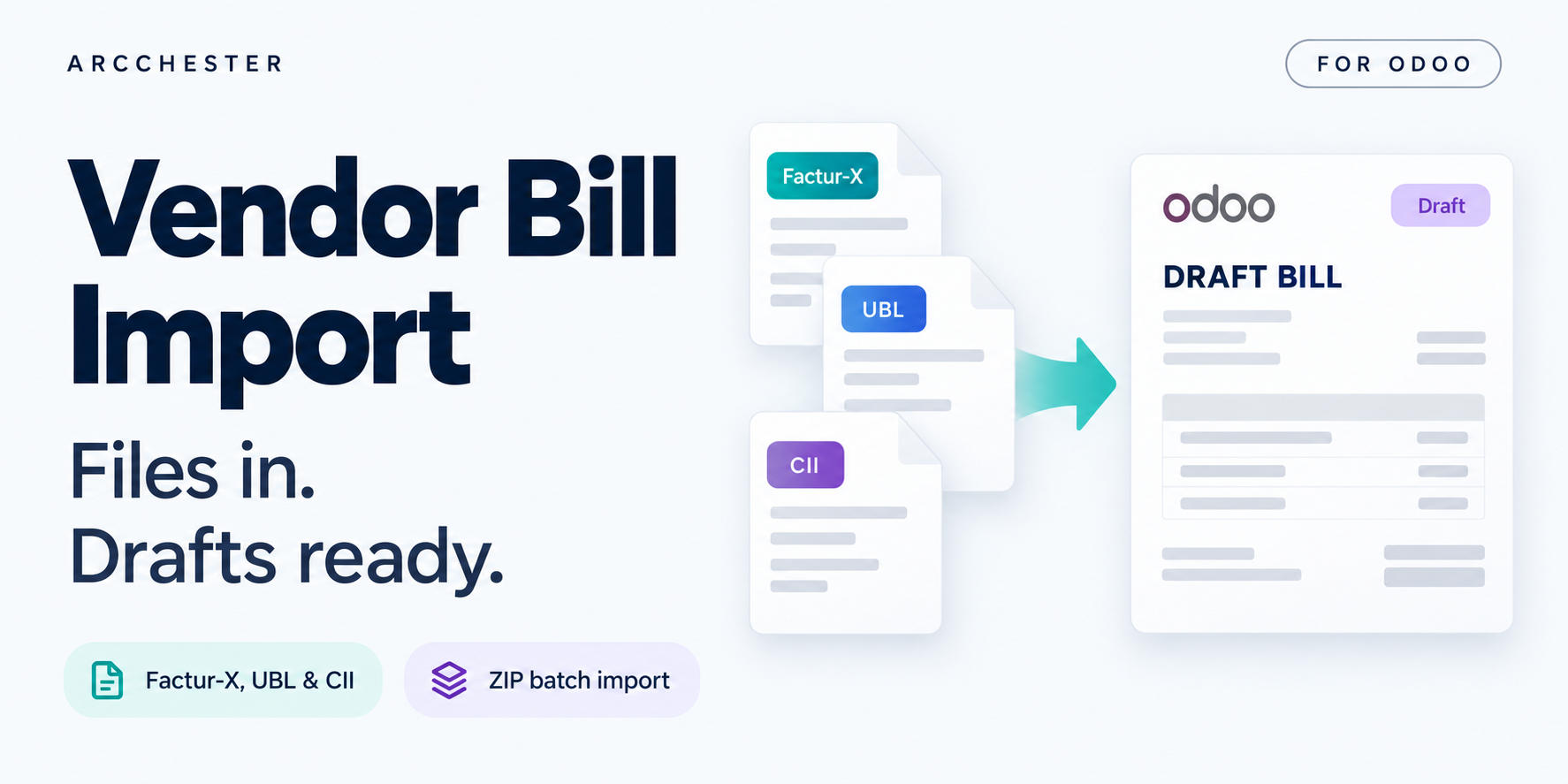
Read supported Factur-X PDFs, CII or UBL XML and ZIP batches.
Match supplier identifiers or create a supplier from extracted data.
Keep the source document and detect identical files by fingerprint.
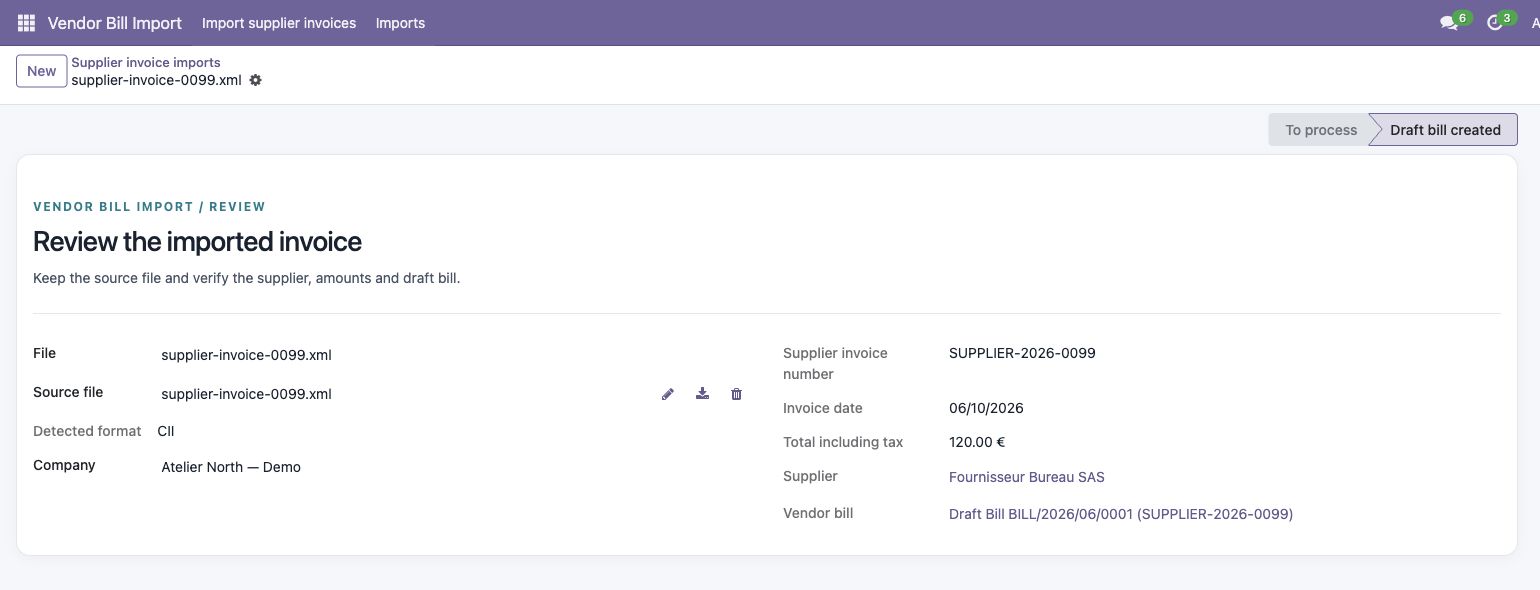
Review the detected format, supplier, amounts and resulting draft bill.
Explore the illustrated workflow →| Workflow | Direction / trigger | Result |
|---|---|---|
| Source file | Manual upload | Supported Factur-X PDF, CII, UBL or ZIP. |
| Bill creation | Draft in Odoo | Review supplier, accounts, taxes and totals. |
| Duplicate check | Source fingerprint | A modified duplicate may still need manual review. |
Only supported structured invoices are accepted. A PDF containing only an image needs a separate OCR workflow.
No. Bills are created as drafts for accounting review.
No. Install the importer with its declared Odoo dependencies.
One-time module purchase · Six months of email support. Current price and conditions are on Odoo Apps. Hosting, migration and custom development are separate.