

Invoice data checks
Identify missing or inconsistent information before export.
 Factur-X France · FOR ODOO
Check Odoo invoice data before generating Factur-X CII XML, PDF/A-3 or UBL 2.1. Review French company identifiers, invoice errors and batch validation results.
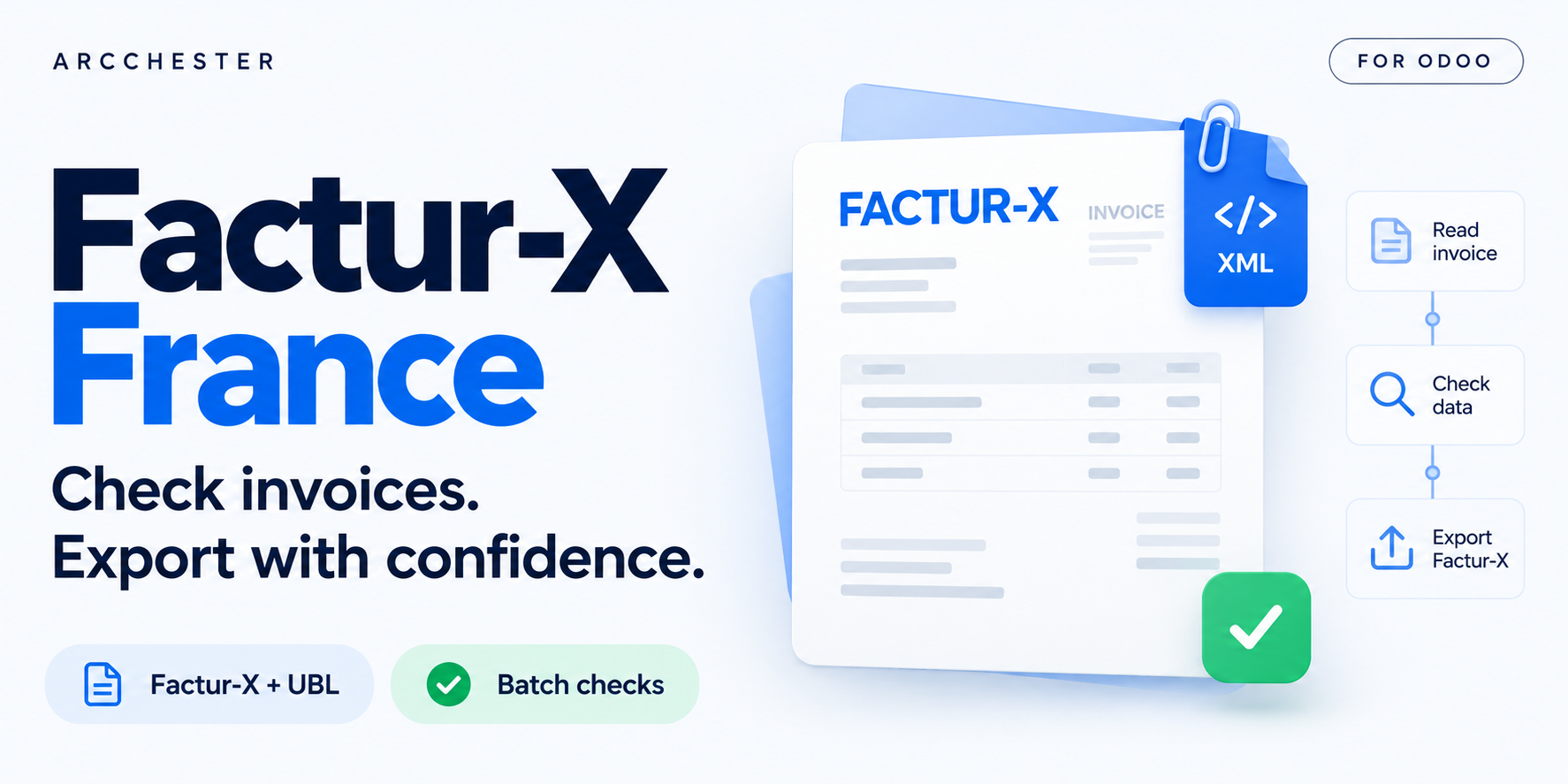
Check fictional invoices, correct missing identifiers and export XML or UBL. PDF rendering is disabled in this hosted demo; no regulatory transmission.
Complete the form, receive your private Odoo 19 access by email and explore in your browser. English or French. Shared limited capacity; requests may be queued.
Identify missing or inconsistent information before export.
Generate the supported CII XML, Factur-X PDF and UBL 2.1 outputs.
Review invoice statuses and prioritize corrections across a batch.
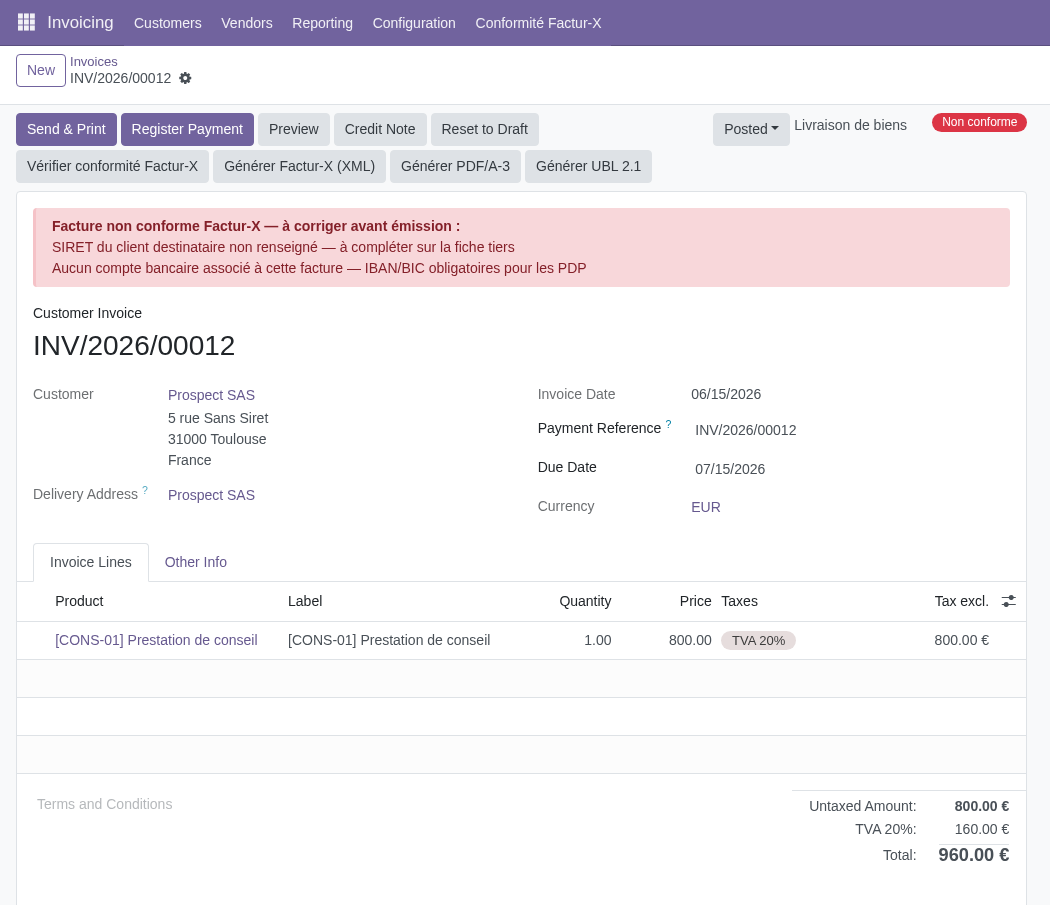
The invoice lists the issues detected by the module.
Explore the illustrated workflow →| Workflow | Direction / trigger | Result |
|---|---|---|
| Company and partner data | Before export | Check identifiers and invoice consistency. |
| Invoice files | Odoo → structured export | Factur-X CII XML, PDF/A-3 with XML, UBL 2.1. |
| Transmission | Separate receiving platform | Validate the chosen profile and recipient requirements. |
Click “Request my free demo” and complete the form. You will receive access to your private Odoo 19 demo by email, subject to availability. The trial lasts 3 days and requires no installation.
No. It prepares files and data checks for your separate transmission workflow.
Supported outputs include Factur-X CII XML, PDF/A-3 with embedded XML and UBL 2.1. Validate the required profile for your scenario.
The module includes French identifier and invoice-data checks. Confirm all recipient-specific requirements separately.
One-time module purchase · Six months of email support. Current price and conditions are on Odoo Apps. Hosting, migration and custom development are separate.