Prerequisites, setup and acceptance checks. Start on a test database.
Updated 30 September 2026 · Odoo 16–19
1. Prerequisites
Use Odoo 16–19 on Odoo.sh or a self-hosted server. Standard Odoo Online cannot install this Python add-on. Back up your database and filestore and prepare a staging copy. Check the dependencies listed in the module archive for your exact version.
2. Install the module
Download the matching version of Insight Board from Odoo Apps. On a self-hosted staging server, place bi_insight in the configured addons path, install its declared dependencies, restart Odoo and update the Apps list. On Odoo.sh, add it to a staging branch. Install the module before applying the product-specific steps below.
3. Choose your data sources
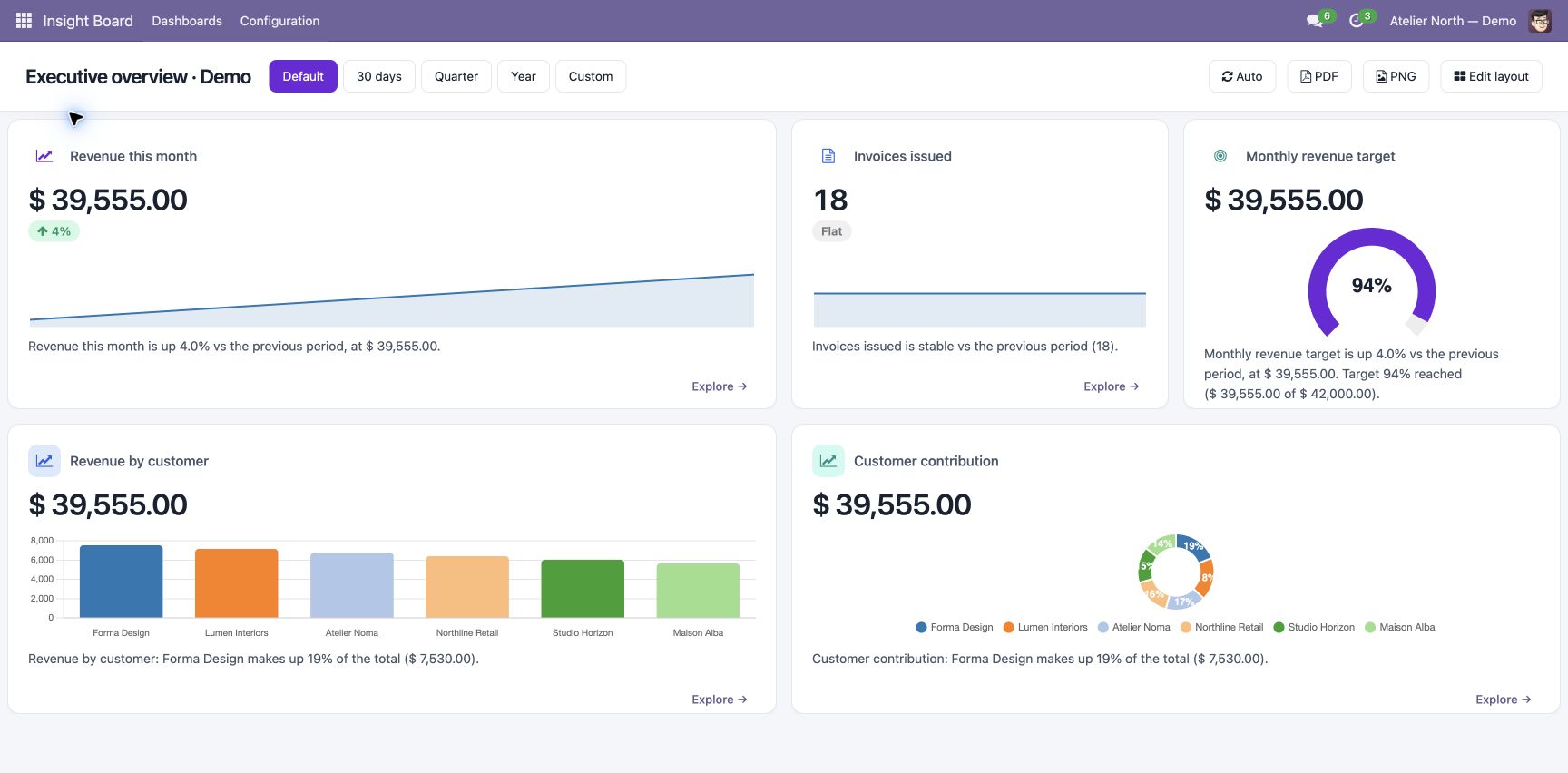
Install alongside the supported business apps to monitor. Open a provisioned dashboard and review the model, measure, company and period.
4. Configure targets and permissions
Set realistic goals and alert thresholds. Review access to company aggregates before sharing dashboards. Verify recipients for any email or webhook notifications.
5. Validate the figures
Compare KPI totals against source records for the same period and company. Test period changes, exports and alerts. A zero baseline cannot produce a meaningful percentage comparison.