
Ready-to-use dashboards
Start with indicators provided for supported installed Odoo apps.
 Insight Board · FOR ODOO
Build Odoo KPI dashboards for sales, accounting, inventory and CRM. Period comparisons, targets, local summaries and PDF or PNG export without an external AI API.
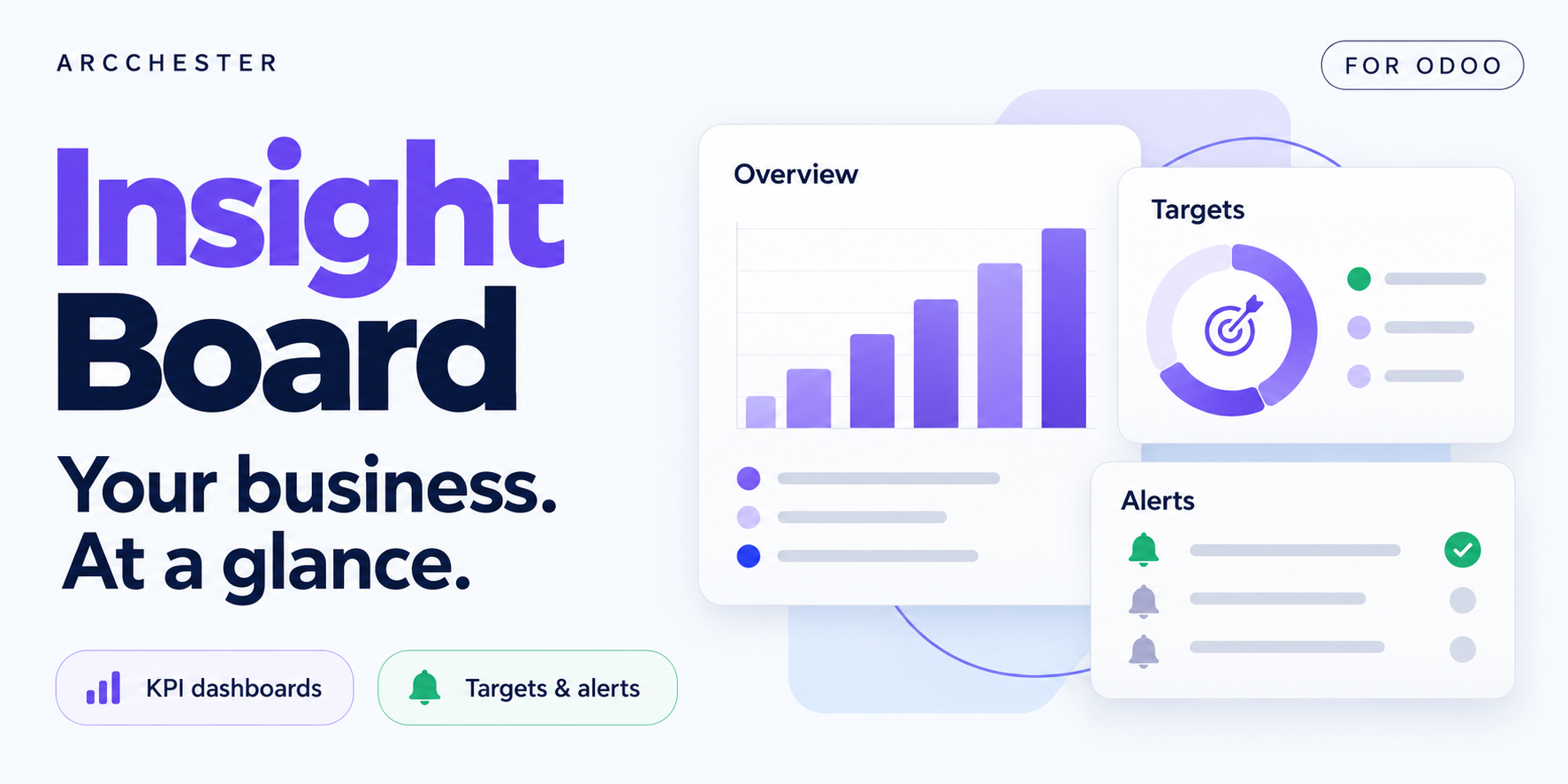
Explore Insight Board on Odoo 19 in your browser, with fictional sales data. No installation or purchase required.
Start with indicators provided for supported installed Odoo apps.
Read trends, target progress and locally calculated summaries.
Rearrange tiles, change periods, export PDF/PNG or use TV mode.
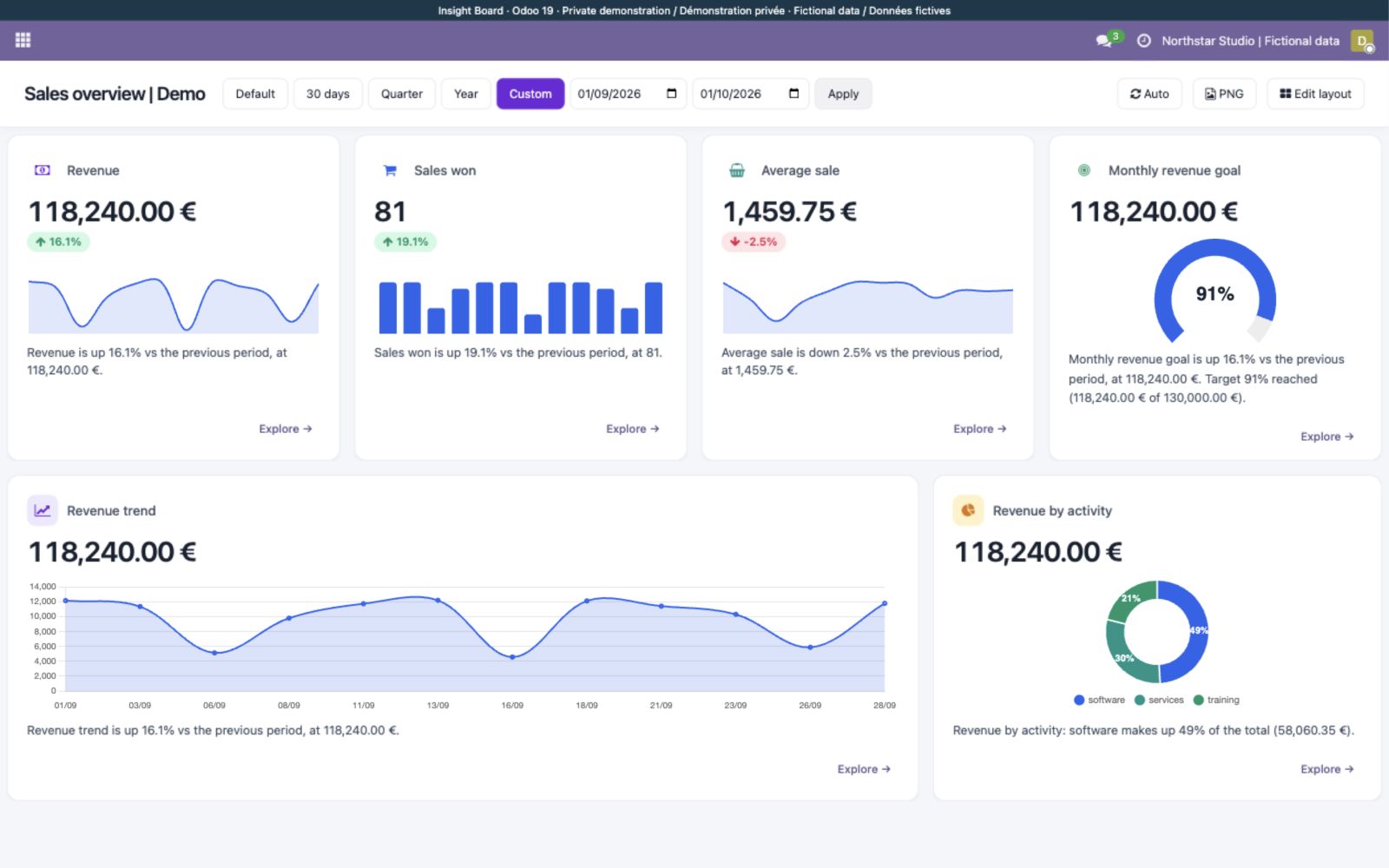
Revenue rises while average sale value falls: see the difference alongside your target and activity mix. Actual Odoo 19 private demo with fictional sales for September 2026.
Explore the illustrated workflow →| Workflow | Direction / trigger | Result |
|---|---|---|
| KPI data | Configured model and domain | Choose the supported measure, company and period. |
| Summaries | Local calculations | Trend comparisons and sentence templates, without an external LLM. |
| Alerts | Configured thresholds | Review email/webhook destinations and dashboard permissions. |
Click “Request my free demo” and complete the form. You will receive access to your private Odoo 19 demo by email, subject to availability. The trial lasts 3 days and requires no installation.
No. Local summaries do not require an external AI subscription.
Yes, using the supported model, measure, domain and period configuration.
PDF and PNG exports are available. Check access to sensitive business indicators before sharing.
One-time module purchase · Six months of email support. Current price and conditions are on Odoo Apps. Hosting, migration and custom development are separate.