

Print from the document
Send supported PDFs from invoices, deliveries and quotations.
Print Odoo invoices, delivery slips and quotations directly with a local desktop agent. Printer routing and job history, without a monthly printing service fee.
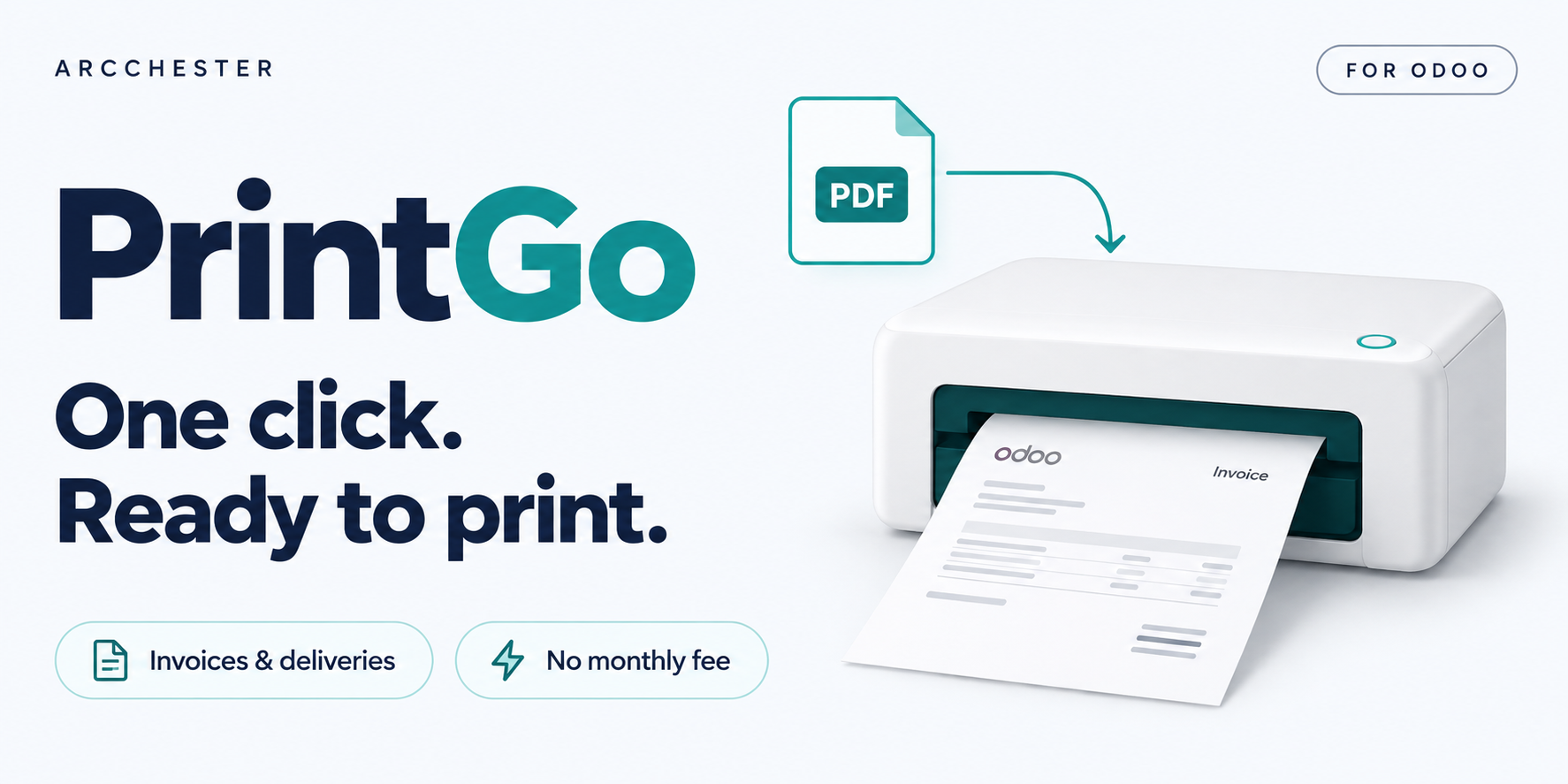
Send supported PDFs from invoices, deliveries and quotations.
Route documents using a printer assigned to the user or company.
Review queued, completed and failed jobs in Odoo.
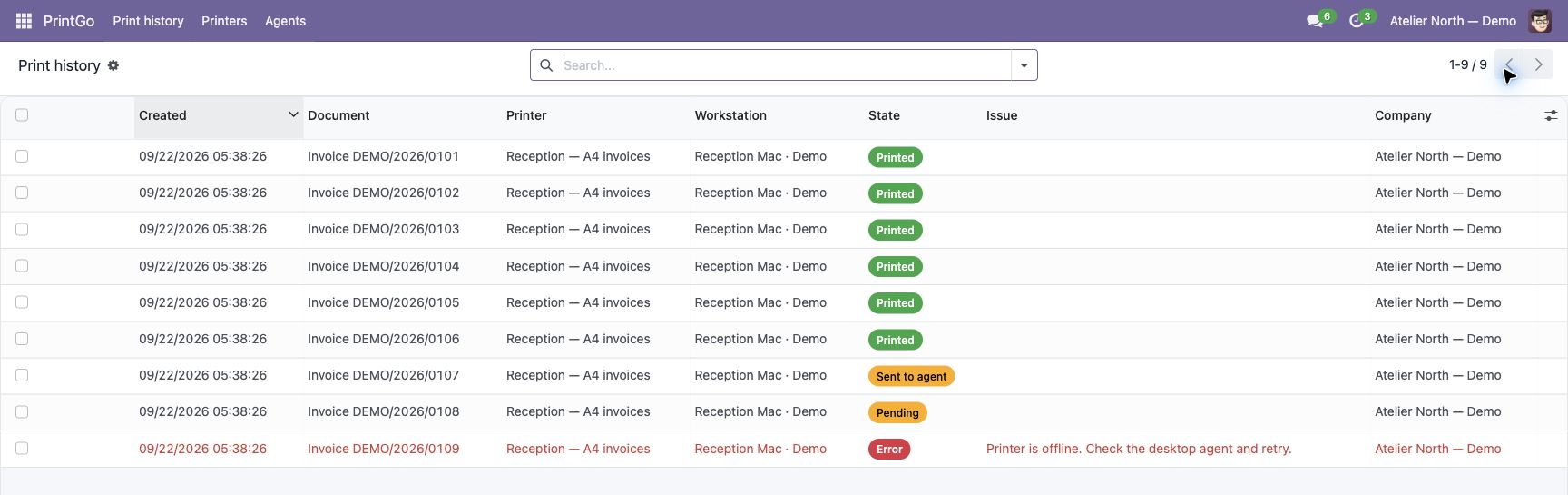
Inspect demonstration job statuses and errors.
Explore the illustrated workflow →| Workflow | Direction / trigger | Result |
|---|---|---|
| PDF reports | Odoo → desktop agent | Invoices, delivery slips and quotations. |
| Agent pairing | Time-limited code | The workstation connects to Odoo without an incoming port. |
| Printer execution | Local driver | A running agent and working printer driver are required. |
No. A desktop agent connects the printer workstation to Odoo.
No. The agent must run on a workstation that can reach Odoo and the printer.
This release covers the listed PDF documents, not ZPL label automation.
One-time module purchase · Six months of email support. Current price and conditions are on Odoo Apps. Hosting, migration and custom development are separate.