

Orders ready to process
Import Shopify orders with their customers, lines and shipping. Configure confirmation, invoicing and payment registration for paid orders.
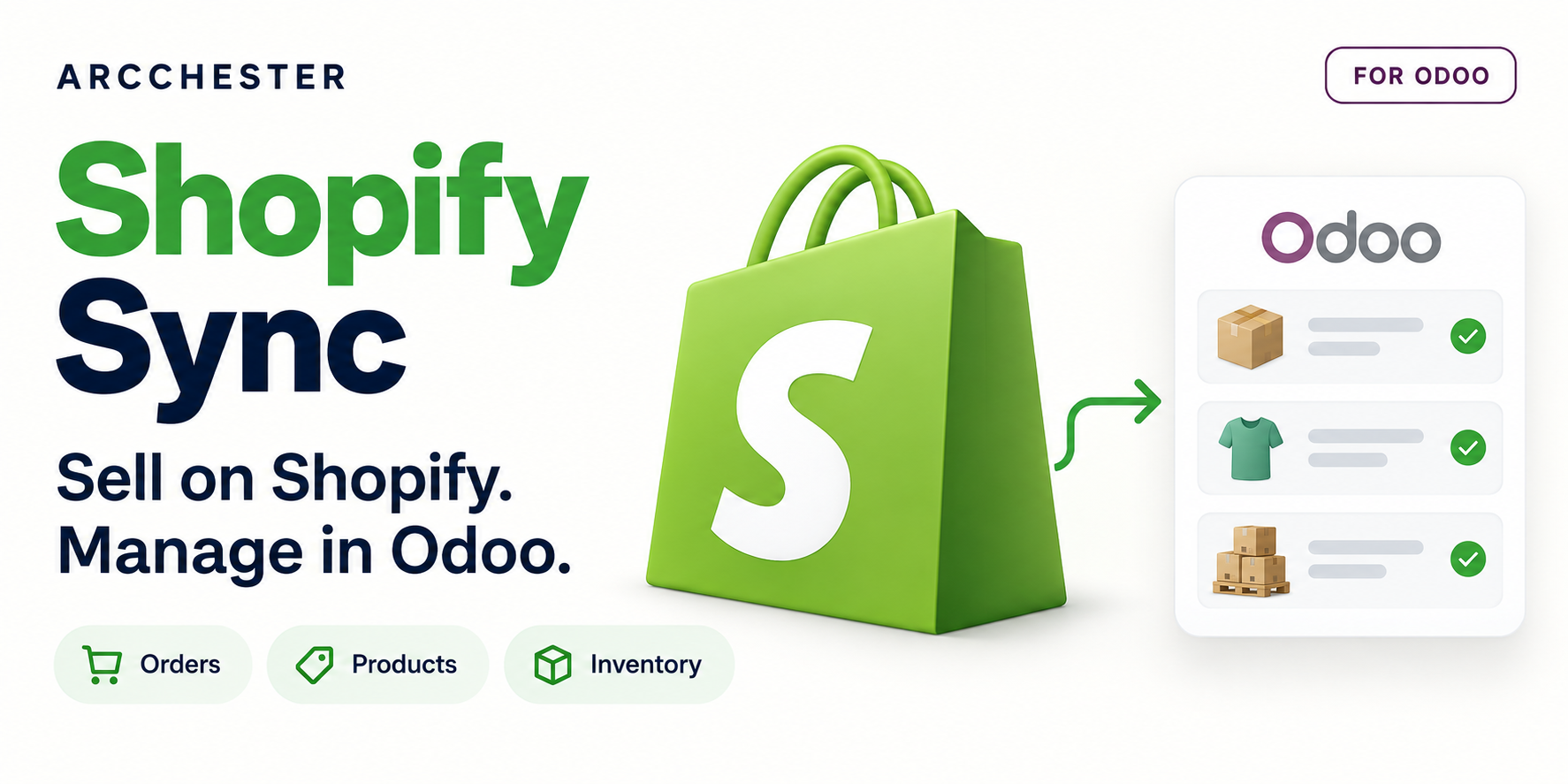
 Shopify Sync · FOR ODOO
Bring orders, products and stock into one daily workflow. Follow every synchronization, resolve exceptions and send shipment tracking back to Shopify.
Process fictional Shopify orders in Odoo and inspect the queue, errors and mappings. Shopify is simulated; no store or API key is needed.
Complete the form, receive your private Odoo 19 access by email and explore in your browser. English or French. Shared limited capacity; requests may be queued.
Import Shopify orders with their customers, lines and shipping. Configure confirmation, invoicing and payment registration for paid orders.
Define the source of truth for products, prices and stock. Connect Odoo warehouses to the appropriate Shopify locations.
Use the queue, diagnostic and error history to review failed jobs and retry after correcting their cause.
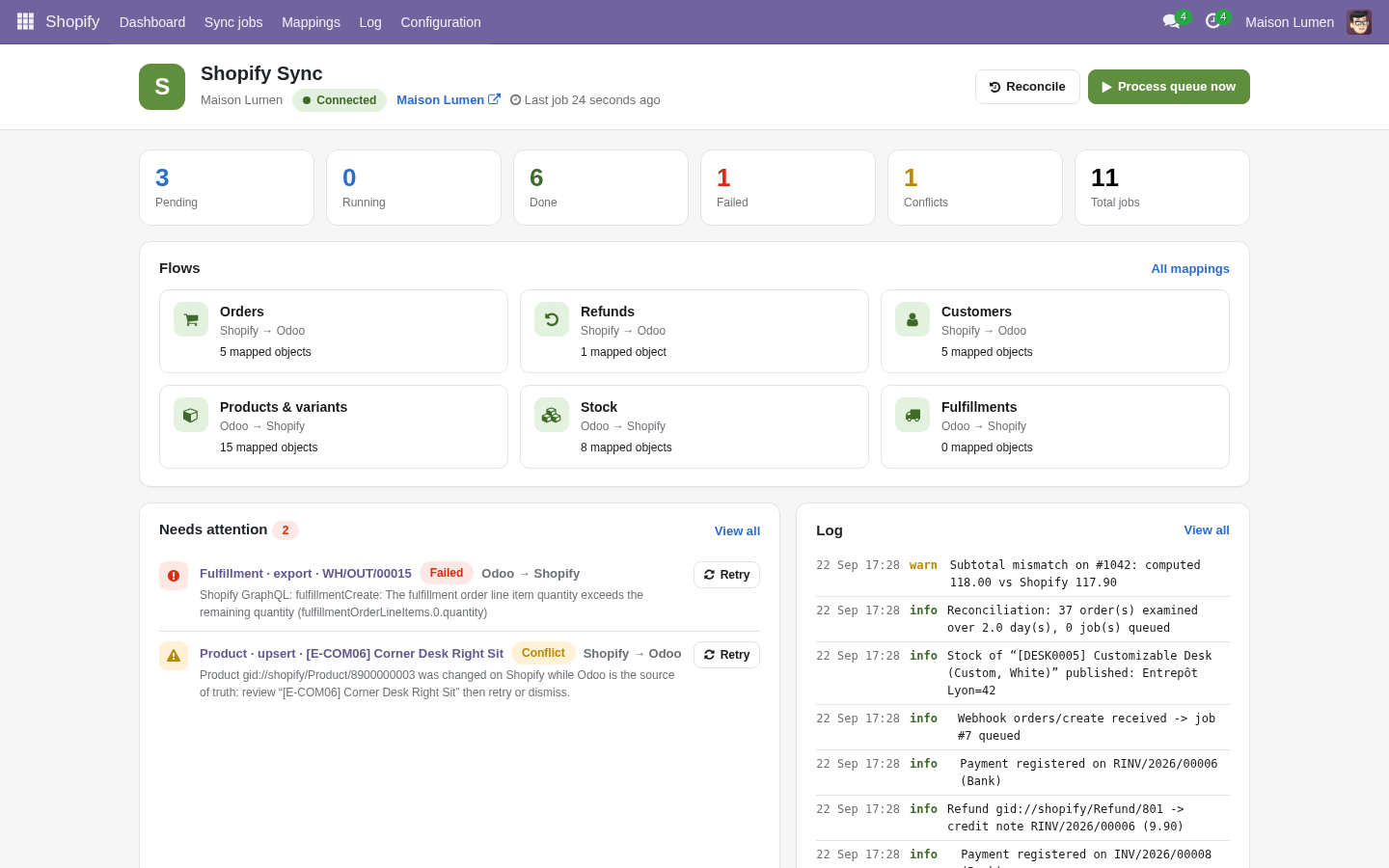
Start with the dashboard: see connection health, pending jobs and the flows enabled for this company.
Explore the illustrated workflow →| Workflow | Direction / trigger | Result |
|---|---|---|
| Orders & refunds | Shopify → Odoo | Sales orders; credit notes for supported refund scenarios. |
| Products & variants | Odoo ↔ Shopify | Source of truth configuration; existing catalogue linking by SKU. |
| Inventory | Odoo ↔ Shopify | Warehouse/location mapping and an explicit stock source. |
| Fulfillments | Odoo → Shopify | Shipment quantities and tracking after delivery validation. |
Click “Request my free demo” and complete the form. You will receive access to your private Odoo 19 demo by email, subject to availability. The trial lasts 3 days and requires no installation.
The module is a one-time purchase on Odoo Apps. Odoo hosting, Shopify subscriptions and any separate services are not included.
No. This Python add-on needs Odoo.sh or a self-hosted Odoo server. Confirm your version and edition before purchase.
The current model supports one connection per Odoo company. Do not assume several Shopify stores can share one company.
Product images, metafields, collections/channel publication and Odoo-to-Shopify order creation are not included. The presentation uses Odoo 17 demo data and simulated Shopify responses; it is not a live Shopify integration test.
One-time module purchase · Six months of email support. Current price and conditions are on Odoo Apps. Hosting, migration and custom development are separate.