

Orders arrive on their own
A Shopify order creates the third party, the validated order with its lines, discounts and shipping, then the invoice when the order is paid. Refunds become credit notes, cancellations cancel the Dolibarr order.
Shopify Sync links your store and Dolibarr through the official Admin GraphQL API and signed webhooks: orders become validated orders and invoices, products and stock flow in the direction you choose, shipments go back to Shopify with tracking.
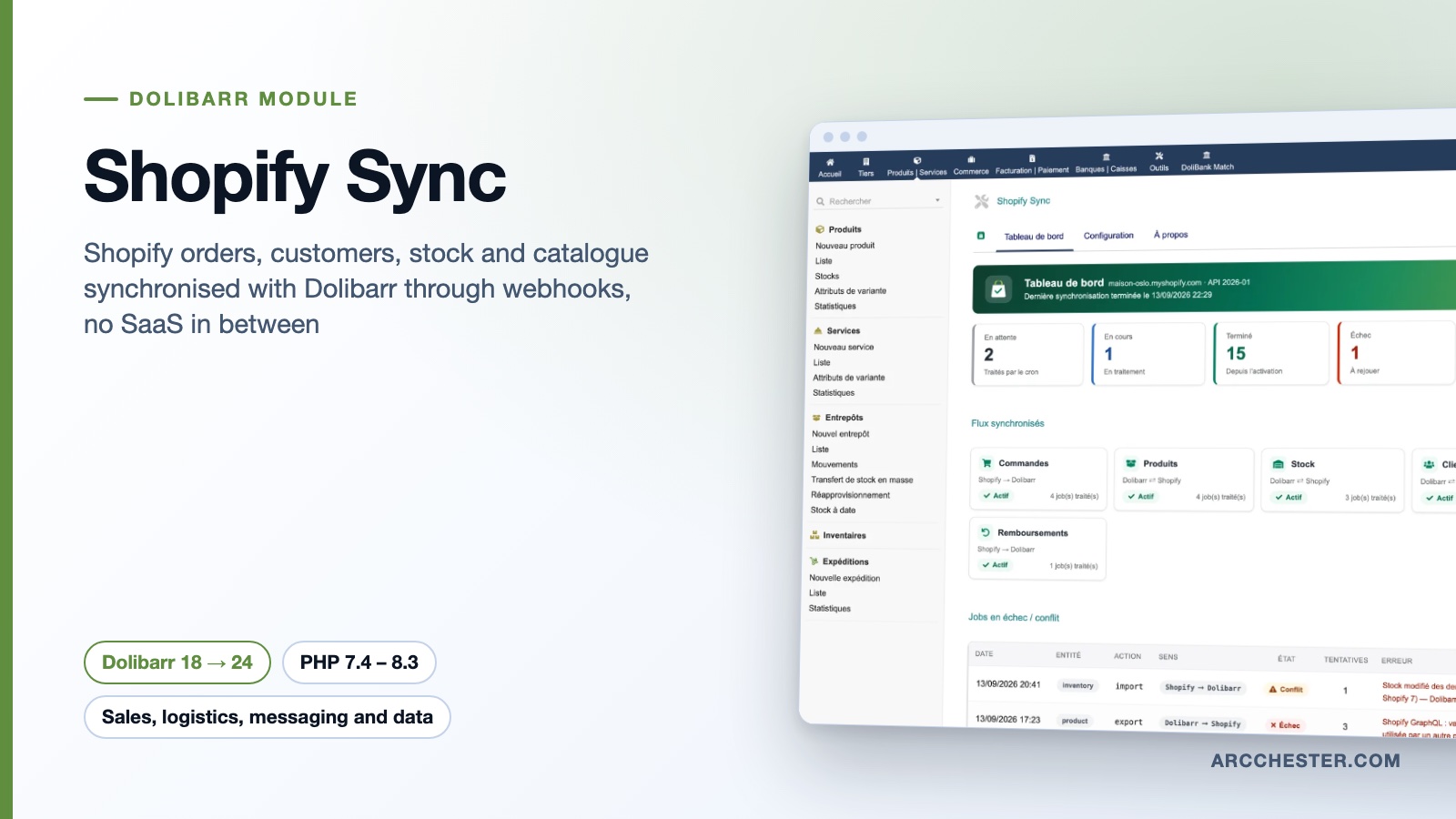
A Shopify order creates the third party, the validated order with its lines, discounts and shipping, then the invoice when the order is paid. Refunds become credit notes, cancellations cancel the Dolibarr order.
Products, prices, images, categories and weight are pushed from Dolibarr; attributes become Shopify options with one SKU per variant. An existing Shopify catalogue is linked to plain Dolibarr products by SKU, without rewriting anything.
You choose which warehouses feed the storefront and map each Shopify location to its warehouses. Dolibarr shipments create fulfillments with tracking; a label printed in Shopify can create the Dolibarr shipment.
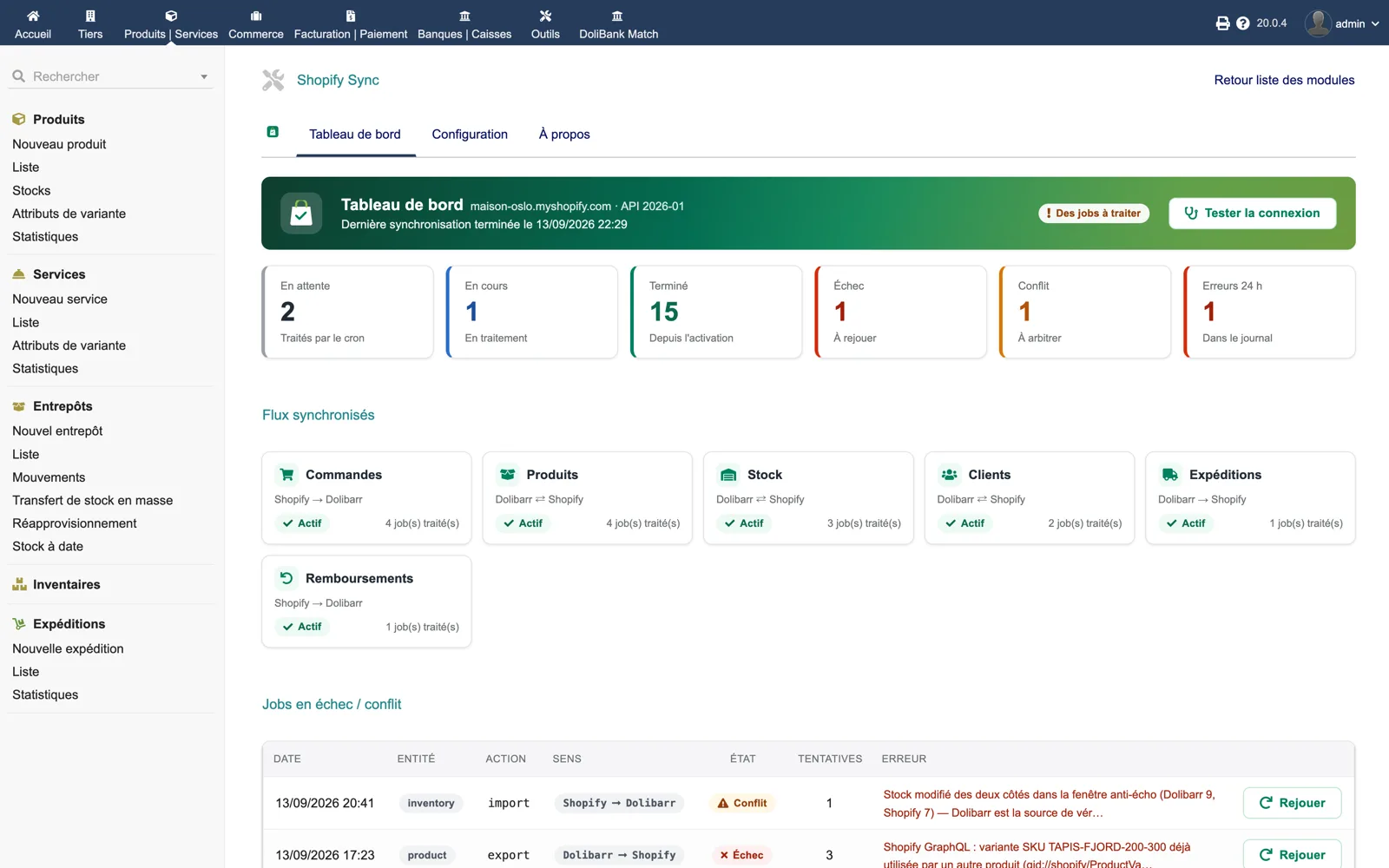
Store domain and pinned API version, six queue counters (pending, running, done, failed, conflict, errors in 24 h), one card per flow with its direction and job count, then the failed or conflicting jobs with their cause and a “Replay” button.
Browse all screens →| Workflow | Trigger | Result in Dolibarr |
|---|---|---|
| Order | Shopify webhook orders/create | Third party or guest, validated order dated at the sale, lines linked to products, discounts and shipping line. |
| Paid order | Webhook orders/paid, immediately or later | Validated invoice; optional payment record with the method deduced from the gateway and the bank account you choose. |
| Refund or cancellation | Shopify webhook | Validated credit note on the invoice (partial or full); order cancelled unless already shipped. |
| Product and price | Dolibarr trigger on the product card | Product, variants, SKU, price incl. or excl. tax, status, images, metafields, collections and tags on Shopify. |
| Stock level | Dolibarr stock movement or Shopify inventory level | Quantity per location, from the warehouses you selected, in the direction set by the stock source of truth. |
| Shipment | Validated Dolibarr shipment | Fulfillment of the shipped lines with carrier and tracking number, customer e-mail sent by Shopify. |
No. The “Link variants by SKU” button scans the store and links every Shopify variant whose SKU is a Dolibarr product reference, with no parent product and no Variants module. Linked products are used for orders and stock; their card is never rewritten. Linking also happens on the fly from product webhooks and order lines.
The module pins one Admin API version in its setup (2026-01 by default) instead of following “latest”, so a quarterly Shopify release does not change a running installation. Mutations whose shape changed (inventory from 2026-04, collections and variant publication status from 2026-07) are branched by the pinned version, and the module ships a probe that replays its real calls on each supported version.
Yes. “Online stock warehouses” lists the warehouses whose quantities are published; stock held in a physical shop stays visible in Dolibarr and at zero online. With several Shopify locations, the “Warehouses to Shopify locations” table maps each location to the warehouses that feed it.
When “Publish on the Online Store” is enabled, new products and variant products are published on that channel, recognised by its app handle online_store. The app needs the read_publications and write_publications scopes. Optionally, setting a Dolibarr child product “not for sale” removes that single variant from the channel (API 2026-07 or later).
Nothing is lost: the job stays in the dashboard with its cause in plain words, the product and attributes involved, and a “Replay” button. Data errors fail immediately instead of being retried; network or API errors keep their retries with back-off. A nightly reconciliation task catches missed events.
Yes, the module is validated on Dolibarr 24.0.0 and 18.0.5. On Dolibarr 24, scheduled tasks run from the command line, so $dolibarr_cron_allow_cli = 1 must be set in conf/conf.php, otherwise the two tasks show in red even though the scripts run.
€149 excl. VAT · one-time purchase · version 1.8.8
Dolistore is the official Dolibarr marketplace: purchase, download and invoicing happen there. You receive the module archive, French and English translations, e-mail support at support@arcchester.com and the updates published on Dolistore.