

Documents that get read
One click on the invoice, quote or order card, or automatic sending at validation, with the PDF in the message. The panel then shows sent, delivered and read as Meta reports them.
WhatsApp Notify sends your invoices, quotes and orders with their PDF through Meta’s WhatsApp Business Cloud API, runs payment reminders by steps, and brings customer replies into a WhatsApp tab on the third party.
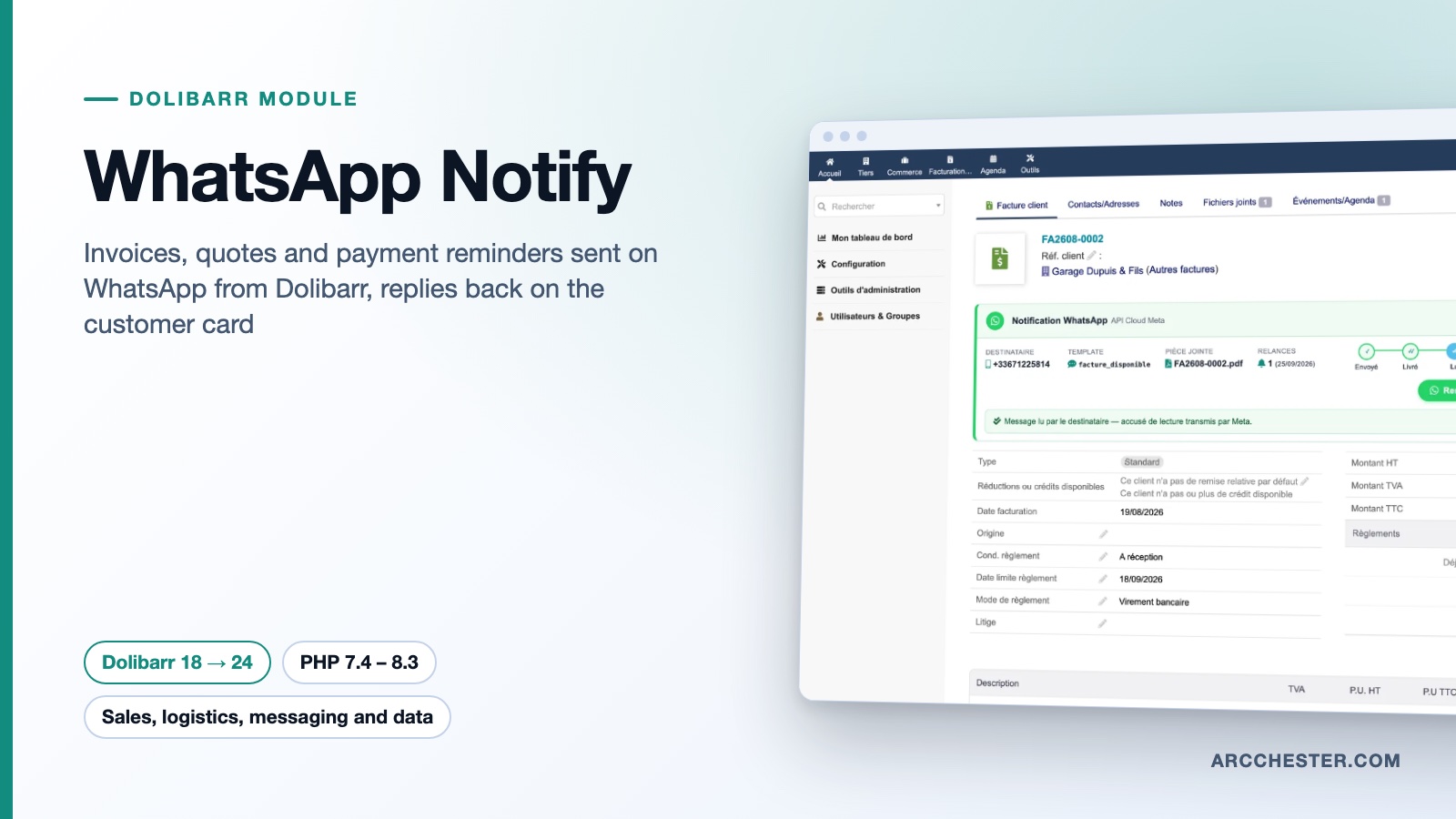
One click on the invoice, quote or order card, or automatic sending at validation, with the PDF in the message. The panel then shows sent, delivered and read as Meta reports them.
Define steps around the due date, for instance -3, 7 and 30 days. The hourly scheduled task sends at most one reminder per step and per unpaid invoice, with the remaining amount and days late.
Incoming messages are matched to the third party or contact by phone number and shown in a WhatsApp tab and a shared inbox. You answer in free text within Meta’s 24-hour window.
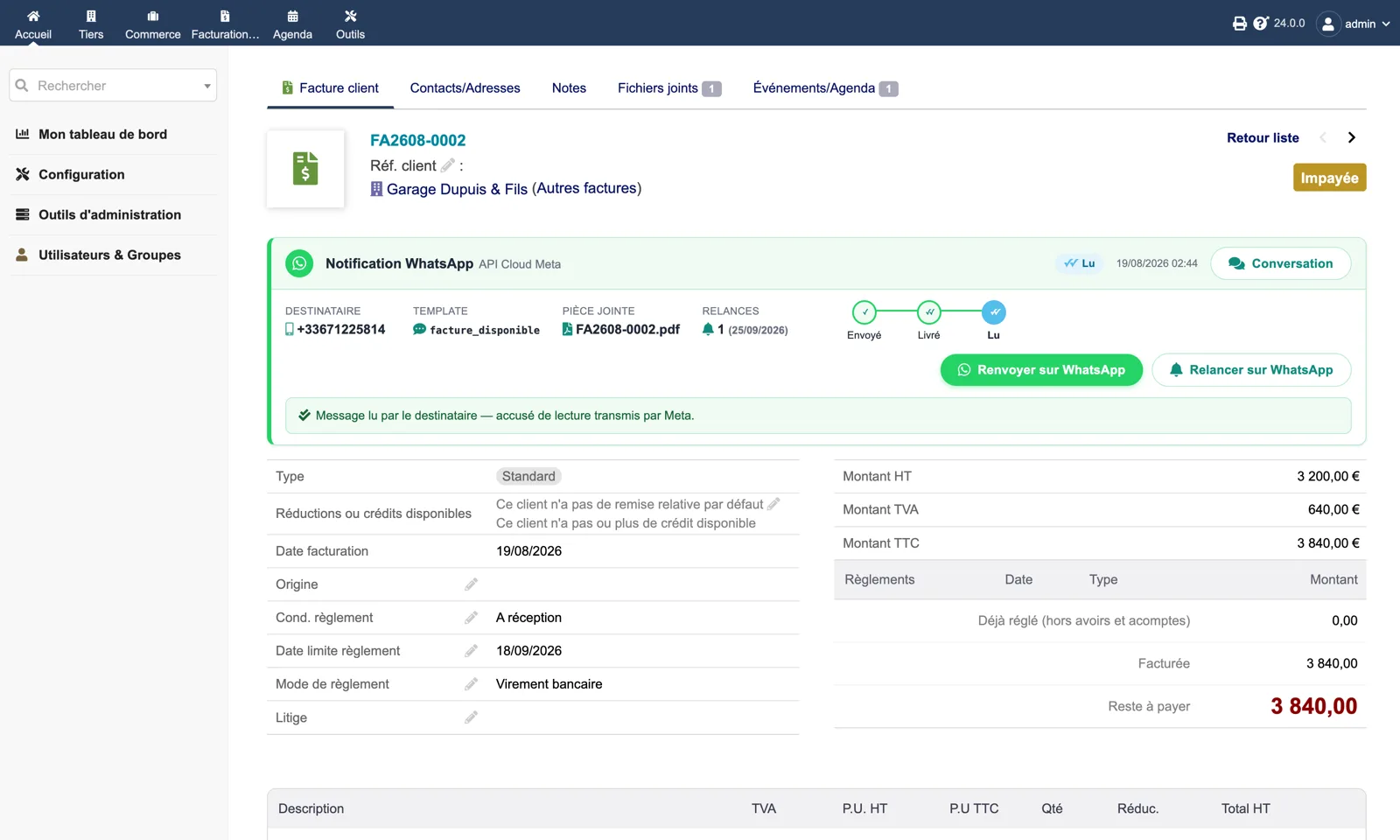
Recipient, template, attached PDF, number of reminders with their date, and the sent → delivered → read track. Two buttons: “Resend on WhatsApp” and “Remind on WhatsApp”. A “Conversation” link opens the customer’s thread.
Browse all screens →| Workflow | Trigger | Result in Dolibarr |
|---|---|---|
| Invoice, quote or order | Button on the card or validation trigger | Approved Meta template filled with your variables (customer, reference, amounts, due date…), PDF attached if the template has a Document header. |
| Payment or signature link | Variable in the template or dynamic URL button | Dolibarr online payment link (Stripe, PayPal, Paybox) on invoices and orders, online signature link on quotes. |
| Payment reminder | Scheduled task “WhatsApp reminders”, or button on the unpaid invoice | One message per step and per invoice, within 7 days of the step; failures are logged, not retried silently. |
| Bulk sending | Mass action on the invoice, quote and order lists | “Send on WhatsApp” or “Remind on WhatsApp”, skipping documents already sent, capped per batch. |
| Delivery status | Signed Meta webhook | Sent, delivered, read or failed on the document panel and in the log, with the Meta error in plain words. |
| Customer reply, STOP or START | Signed Meta webhook | Message in the WhatsApp tab and inbox; STOP opts the customer out and blocks sending, START re-enables it, with an optional automatic reply. |
No. The module talks to Meta’s Cloud API, which needs a phone number configured on the WhatsApp Business Platform and its credentials. The mobile or desktop app alone does not provide that access; eligibility and setup of the number are checked with Meta.
The module is a one-off purchase on Dolistore. Meta charges its own fees per message or conversation according to its pricing, independently of the module, as does your hosting.
Notifications use your Meta-approved templates, one per document type (invoice, quote, order, reminder), each with its variables and language. Free-text replies are possible for 24 hours after the customer’s last message; beyond that, only a template can restart the conversation.
Numbers are normalised to international E.164 format with a configurable default country code. You can send to the third party’s mobile or prefer the document’s contact (billing contact for invoices, customer contact for quotes and orders).
A “WhatsApp consent” field on the third party card records acceptance or opt-out. A customer who replies STOP is opted out and never contacted again until START. An option restricts sending to customers whose consent is recorded. Exchanges can also be traced in the Dolibarr agenda.
The “Documents and reminders” page queries Meta for each template: existence, language, approval status, number of variables, Document header and URL button. Every mismatch with your configuration is shown before a message fails. The diagnostic page adds PHP, cURL, tables, credentials, webhook and scheduled task checks.
€149 excl. VAT · one-time purchase · version 1.2.1
Dolistore is the official Dolibarr marketplace: purchase, download and invoicing happen there. You receive the module archive, French and English translations, e-mail support at support@arcchester.com and the updates published on Dolistore.