Factur-X France · FOR DOLIBARR

Electronic invoicing in Dolibarr.
Checked before transmission.

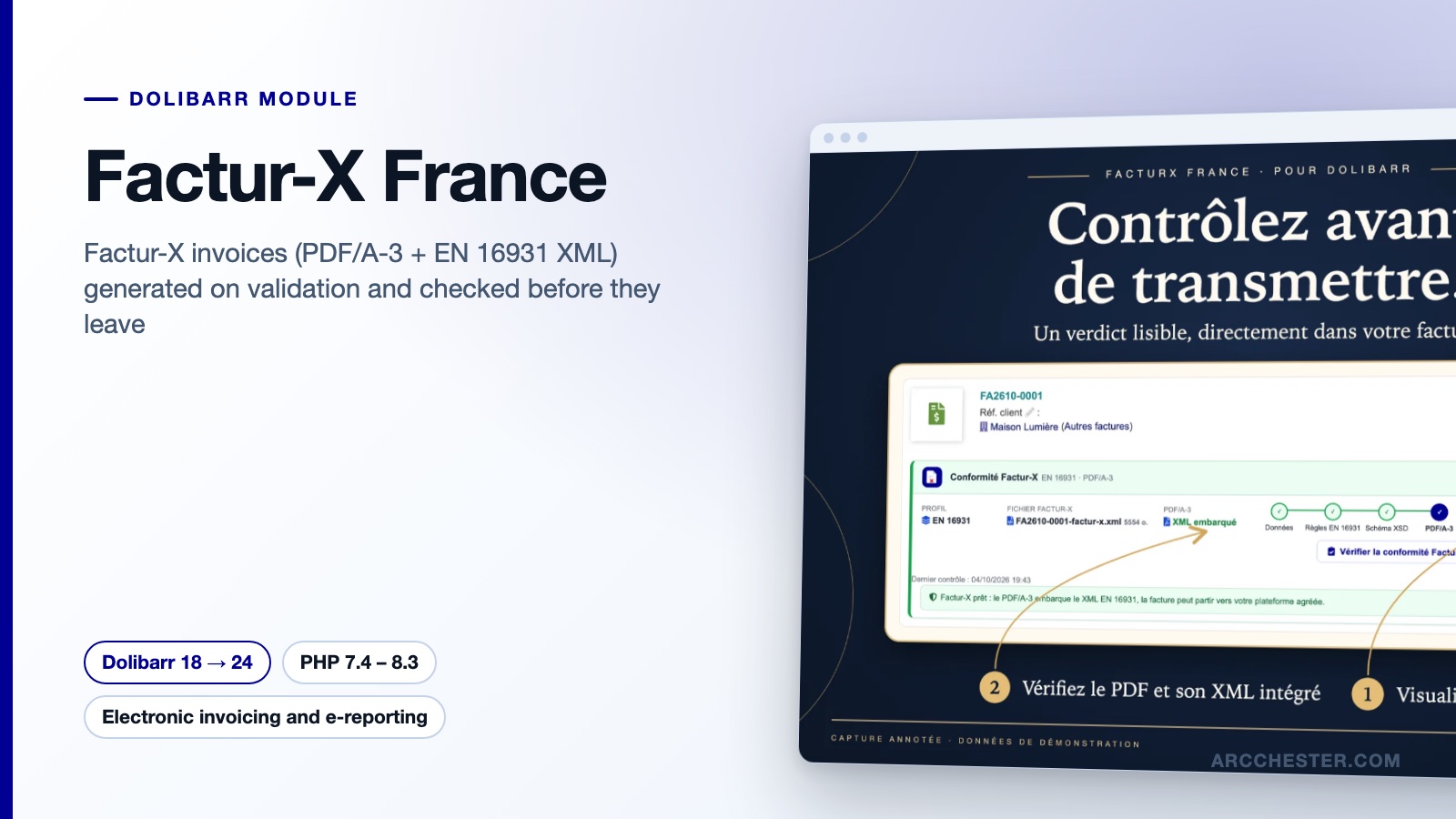
When a customer invoice is validated, the module produces the Factur-X file: a PDF/A-3 with the EN 16931 XML embedded. Before that, a pre-flight check on the invoice card lists every issue with its rule identifier and the field to fix.

Dolibarr 18 → 24PHP 7.4 – 8.3Version 2.0.0€149 excl. VATOn Dolistore

Factur-X France — module for Dolibarr
PDF/A-3 + EN 16931 XMLPre-flight check with rule IDsSix Factur-X profilesNo Java, no Composer
YOUR DAILY WORKFLOW

What changes once the module is active.

01

Fewer rejections by the platform

The invoice is checked in Dolibarr against the EN 16931 rules and the official XSD of the chosen profile before any file is produced. Each issue carries its rule identifier (BR-CO-15, BR-CL-23…) and a link to the native field to correct.

02

Nothing unreliable is ever written

If the check fails, the standard Dolibarr PDF is kept and no XML is saved or embedded. Foreign-currency invoices, local taxes and unsupported types are declined with a clear message instead of producing a doubtful file.

03

One correction for many invoices

The dashboard groups common issues by customer, company, bank account, VAT mapping or units. Fix the customer once, then re-check the affected invoices in small batches with a progress bar and a summary.

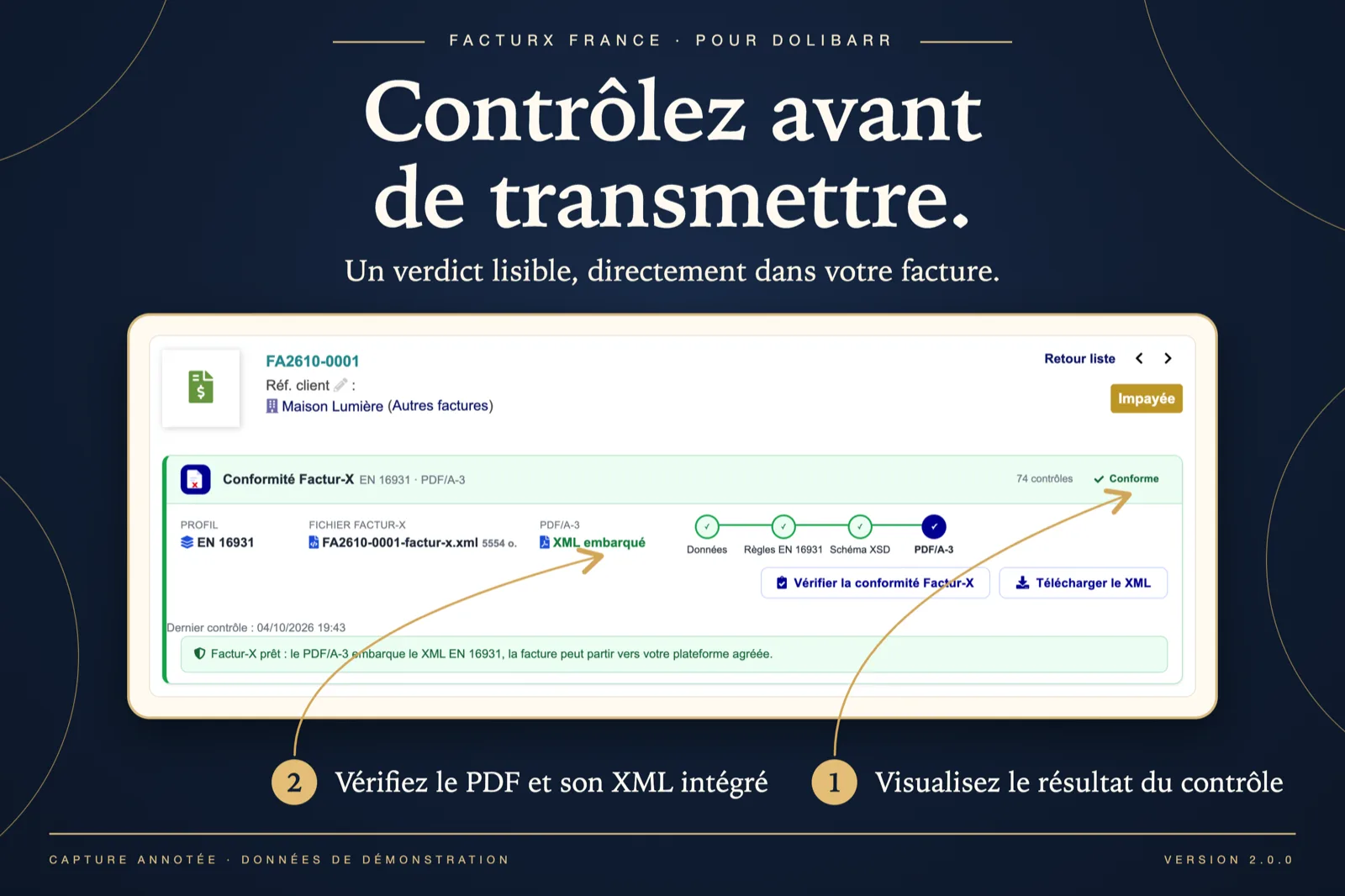
A verdict on the invoice card — Dolibarr
Actual module interface in Dolibarr · Demonstration data. Click to enlarge.
INSIDE THE MODULE

A verdict on the invoice card

The Factur-X panel shows the profile (EN 16931), the generated factur-x.xml file, the PDF/A-3 with the XML embedded and the four-step chain data → EN 16931 rules → XSD → PDF/A-3, all green: 74 checks, “Conforming”. Two buttons: check again, download the XML.

Browse all screens →

Know exactly what happens.

WorkflowTriggerResult in Dolibarr
Pre-flight checkButton on the invoice card, or “Factur-X check” column in the invoice listVerdict, profile, 74 checks: data → EN 16931 rules → XSD → PDF/A-3, with the failing step in red and a fix link per issue.
Factur-X generationValidation of a customer invoice (BILL_VALIDATE trigger)The XML is produced, validated, saved and embedded in the PDF as PDF/A-3 (factur-x.xml). Standard PDF kept if the check fails.
Document typesStandard invoice, credit note, down payment, corrective, situation invoiceType codes 380, 381, 386, 384; the source invoice is referenced (BG-3) where the standard requires it.
Compliance dashboardPeriod chosen by the user, up to 200 invoicesCompliance score, conforming and non-conforming counts, common issues grouped with a re-check button, ZIP export of the conforming XML files.
SEPA payment QR codeOption, off by default; EUR invoices only, never on credit notesAn EPC069-12 QR code printed on the PDF so the customer’s banking app pre-fills the transfer.

Before you choose.

Do I also need PA Transmission?

Only if you want to send the invoice to an approved platform from Dolibarr. Factur-X France produces and checks the file; PA Transmission reads that file, submits it to Chorus Pro, Pennylane or a REST platform, and tracks its status. You can also download the XML and PDF/A-3 and upload them yourself.

What happens when an invoice fails the check?

The invoice is validated as usual in Dolibarr with its standard PDF; no XML is saved or embedded. The panel explains each issue in plain words and opens the right field (customer, company, bank account, customer reference, date or setup) in a new tab. Click “Check Factur-X compliance” again once fixed.

Which Factur-X profile should I choose?

Six profiles are available: MINIMUM, BASIC WL, BASIC, EN 16931, EXTENDED and EXTENDED-CTC-FR. EN 16931 suits the whole of Europe; EXTENDED-CTC-FR adds the business process (BT-23) and requires the seller and buyer electronic addresses (BT-34, BT-49). Settings saved by the 1.x versions are read as EN 16931, so an existing installation keeps the same document after the update.

Does it handle public-sector customers (Chorus Pro)?

A third party of type Administration triggers the Chorus Pro checks: recipient SIRET required, service code or commitment number entered in the invoice “Customer ref.” field (BT-10), linked sales order referenced (BT-13). The error messages name the exact Dolibarr field to fill.

Credit notes, down payments, situation invoices?

Credit notes (381), down payments (386) and corrective invoices (384) are supported, with the reference to the source invoice. Situation invoices are sent as 380: previous situations are deducted per VAT rate and referenced, including the “situation amount” mode of Dolibarr 20 and later. Retention money appears in the payment terms without changing the amount due.

Can I check a draft invoice before validating it?

Yes. The “Check Factur-X compliance” button works on drafts, and the onboarding assistant lets you pick any of the 50 most recent invoices to run a first check. Checking never validates the invoice, never creates a file and never sends anything.


NEXT STEP

Get the module on Dolistore.

€149 excl. VAT · one-time purchase · version 2.0.0

Dolistore is the official Dolibarr marketplace: purchase, download and invoicing happen there. You receive the module archive, French and English translations, e-mail support at support@arcchester.com and the updates published on Dolistore.

Price as published on Dolistore on 9 October 2026; the listing shows the current price and conditions. Dolibarr 18 → 24 · PHP 7.4 – 8.3.