

One click, or none at all
On a validated invoice, “Transmit to the PA” sends the Factur-X XML or the full PDF/A-3. With automatic transmission on, every validated invoice leaves on its own; a failure is logged without blocking the validation.
A button on the validated invoice, or the validation itself, submits the Factur-X file produced by Factur-X France to your approved platform (PA). The panel then follows the lifecycle: submitted, received, accepted or rejected with the reason.
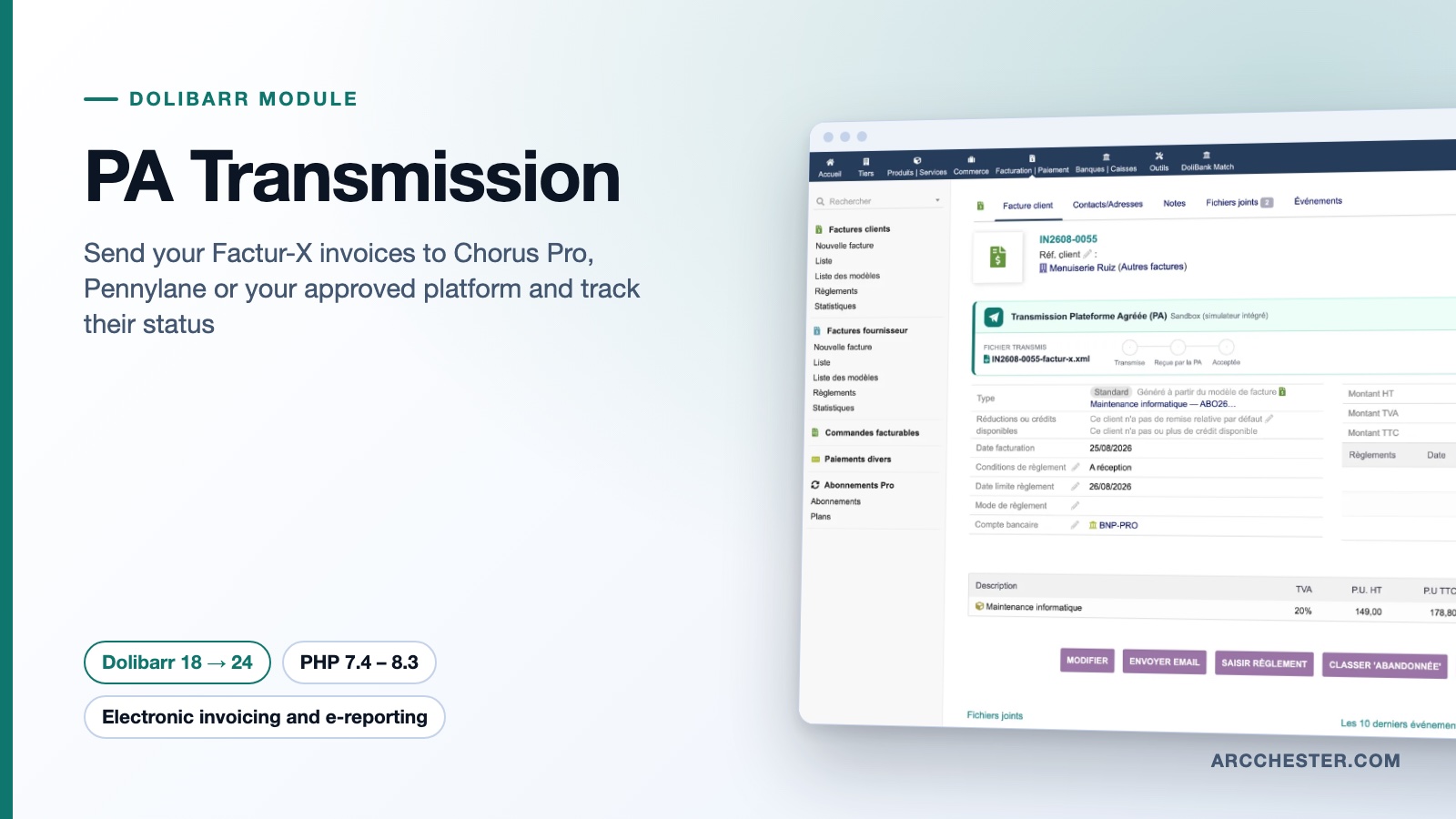
On a validated invoice, “Transmit to the PA” sends the Factur-X XML or the full PDF/A-3. With automatic transmission on, every validated invoice leaves on its own; a failure is logged without blocking the validation.
The panel shows the platform identifier, the transmission date and the chain submitted → received by the PA → accepted. A rejection appears in red with the platform’s reason and a Retry button. A scheduled job refreshes pending statuses in the background.
Chorus Pro through the PISTE API (OAuth2) with its sandbox, Pennylane with an API token, Docaposte and Yooz presets and a generic REST connector for any platform exposing an API. Plain cURL, no SDK, no Composer.
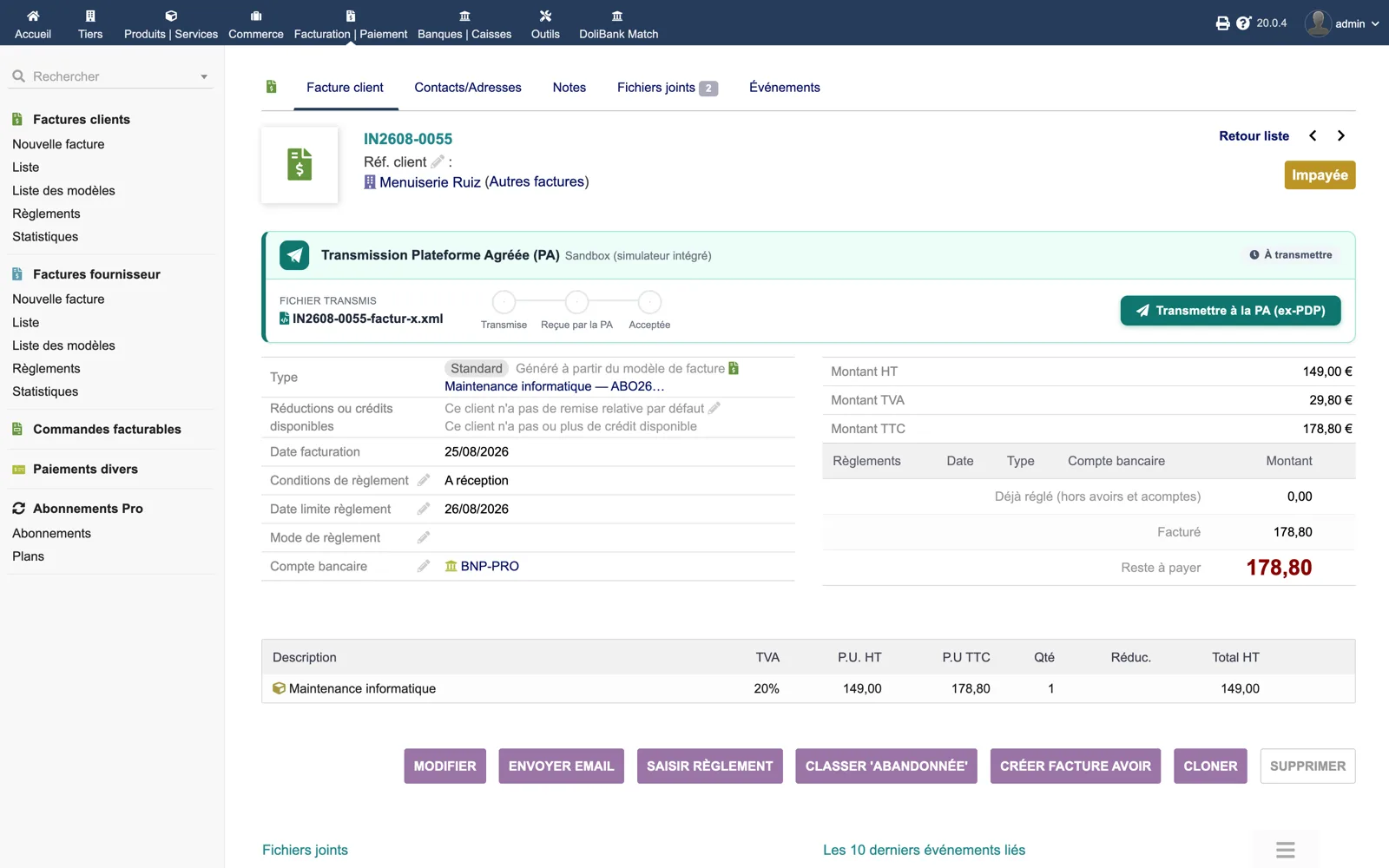
On invoice IN2608-0055 the panel “Approved Platform transmission (PA)” shows the active connector (Sandbox), the file to send (IN2608-0055-factur-x.xml), the empty chain Submitted → Received by the PA → Accepted and the green button “Transmit to the PA”.
Browse all screens →| Workflow | Trigger | Result in Dolibarr |
|---|---|---|
| Transmission | Button on a validated invoice, or BILL_VALIDATE trigger when automatic sending is on | The Factur-X XML (or PDF/A-3) is submitted; the platform identifier and the “Submitted” status are stored. |
| B2G checks | Before any transmission to Chorus Pro | Sender SIRET, recipient SIRET and buyer reference are verified; each message names the Dolibarr field to fix. |
| Status refresh | Button on the invoice, or scheduled job (limit per run, maximum age in days) | Received, accepted or rejected with the reason; every change is written to the history table. |
| Audit trail | Each status change | A timeline on the invoice card: date, previous and new status, source (manual, automatic validation, refresh). |
| Journal tab | Any time, in the module setup | Counts of transmitted, accepted, pending, rejected and error invoices, filter by status, link to each invoice. |
Yes, or another module that produces the Factur-X file. PA Transmission reads the XML (or the PDF/A-3) generated at validation and sends it; it does not build the invoice format itself. If the file is missing, the panel says so and asks you to generate it first.
Chorus Pro (public sector, PISTE API with OAuth2 and a sandbox environment), Pennylane (approved platform, API token), Docaposte and Yooz presets, and a generic REST connector for any platform with a deposit and status API. A built-in sandbox simulates the full lifecycle without a real platform. Adding another platform means adding one class implementing the connector interface.
The panel turns red with the status “Rejected”, the reason returned by the platform (for example a recipient SIRET missing from the directory) and a Retry button. Fix the data in Dolibarr, let Factur-X France regenerate the file, then retry. The rejection stays in the audit trail.
Yes. Enable “Automatic transmission” in the setup: each validated invoice is sent by the BILL_VALIDATE trigger. Enable the scheduled job as well so that pending statuses are refreshed without clicking; you choose the number of invoices per run and the maximum age in days. Dolibarr’s scheduled jobs module must be active.
Keep the Sandbox connector: it simulates submitted → received → accepted (or rejected) on real invoices without contacting anyone. For Chorus Pro, the “Sandbox environment” switch targets the PISTE sandbox with your credentials. Run the diagnostic on the About tab: it checks PHP, cURL, JSON, tables, log directory, connector, Factur-X file and the scheduled job.
Only for operations that have no electronic invoice: sales to consumers, international operations and payment data. E-Reporting France can reuse the connectors of PA Transmission when both modules are installed.
€299 excl. VAT · one-time purchase · version 1.3.0
Dolistore is the official Dolibarr marketplace: purchase, download and invoicing happen there. You receive the module archive, French and English translations, e-mail support at support@arcchester.com and the updates published on Dolistore.